
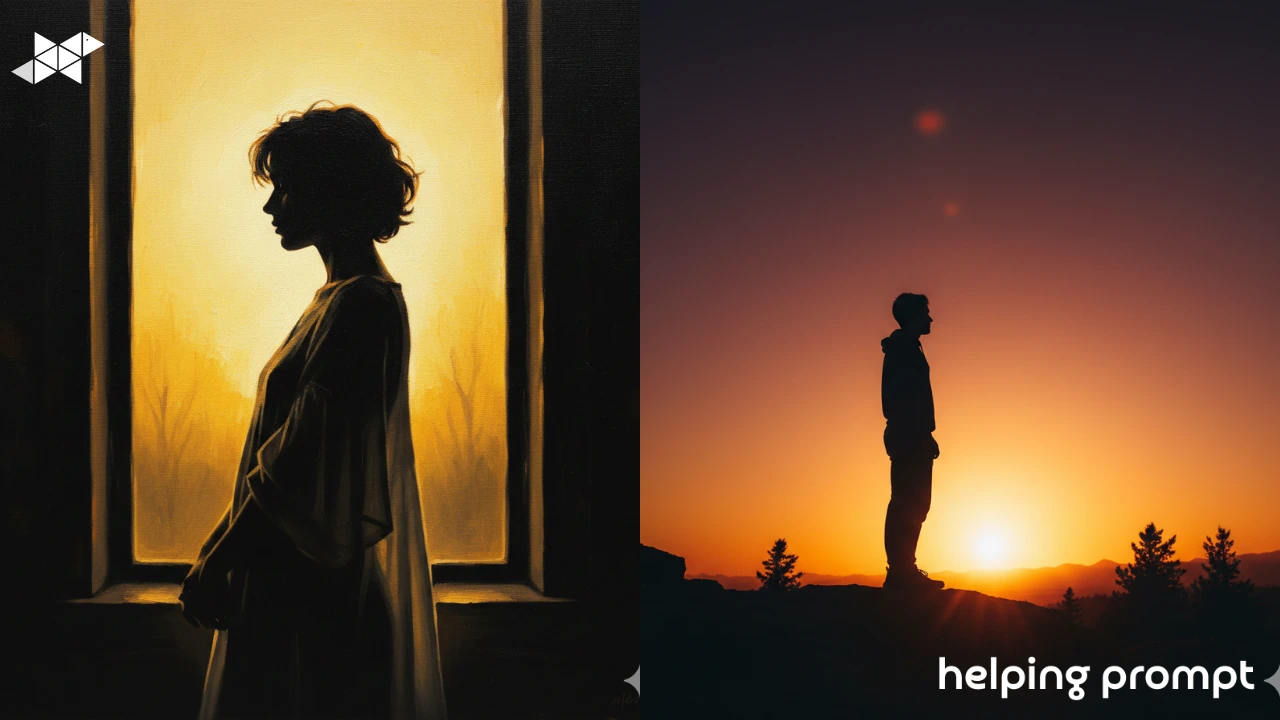
Silhouette images are proof that you don’t need details to tell a story. A simple outline, the right light, and a strong pose can say more than a fully lit portrait.
AI is excellent at creating dramatic silhouettes-but only if you guide it clearly. Beginners often lose the shape by making scenes too dark or too busy. The magic of silhouettes comes from contrast and clean edges.
In this guide, you’ll explore 5 dramatic silhouette ideas, plus 3 best AI prompt examples, explained in an easy, beginner-friendly way.
How to Use It
Silhouette edits are all about light control.
When writing your AI prompt:
- Always describe the light source behind the subject
- Keep the subject dark and well-defined
- Use simple backgrounds like skies or windows
- Focus on posture and outline, not facial details
If the shape reads clearly from a distance, the silhouette works.
Here are three beginner-friendly AI prompts for creating bold and dramatic silhouette edits.
1. Sunset Silhouette Drama
A dramatic silhouette of a person standing against a glowing sunset. Strong backlighting, dark subject outline, warm sky colors, clean contrast, emotional and cinematic mood.
2. Window Light Shadow Play
A silhouette portrait created with bright window light behind the subject. The figure appears dark and well-defined, minimal background details, strong contrast, artistic and moody feel.
3. Minimalist Silhouette Story
A minimalist silhouette image with a clear subject outline. Soft gradient background, strong backlight, simple composition, dramatic and elegant atmosphere.
Helpful Takeaway
Silhouette mastery comes down to clarity.
Use AI prompts that clearly define backlight, subject shape, and contrast. Don’t fight the shadows-embrace them. When the outline tells a story on its own, you’ve created a powerful silhouette edit.







Leave a Reply