
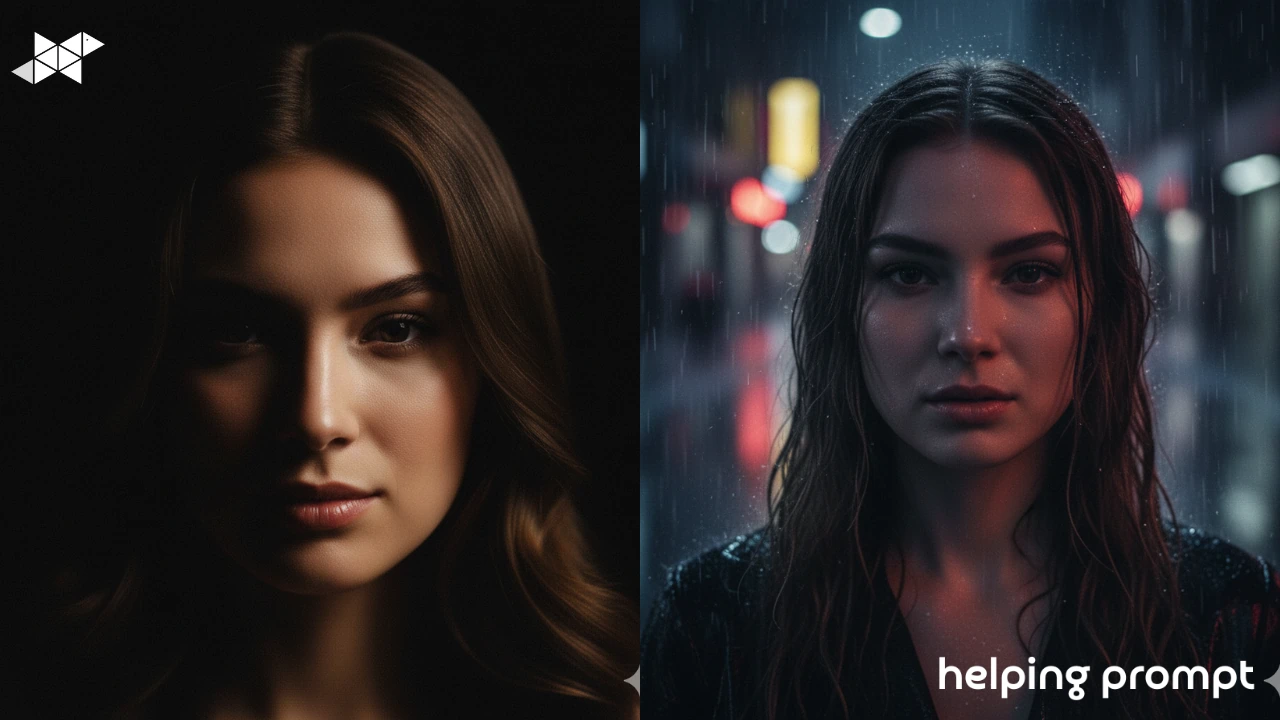
Moody, cinematic photos have a pull that bright images don’t. They feel emotional. Intentional. Almost like a paused movie scene where something important just happened-or is about to.
AI can create this look beautifully, but it’s easy to mess up. Many people confuse moody with dark and end up with flat, lifeless images. True cinematic edits are about contrast, emotion, and controlled light-not just shadows.
In this guide, we’ll explore 5 advanced cinematic prompt ideas, along with 3 best prompt examples, explained simply so even beginners can use them with confidence.
How to Use It
Think of cinematic prompts as visual storytelling.
Before writing your prompt, decide:
- What emotion should the image carry?
- Where is the light coming from?
- What should feel hidden, and what should stand out?
You don’t need film-school terms. Words like dramatic light, deep shadows, and cinematic mood already work well with AI. Keep your instructions focused and intentional.
Here are three powerful but beginner-friendly AI prompts for creating moody, cinematic photo edits.
1. Low-Light Cinematic Drama
A cinematic portrait with dramatic low lighting and deep shadows. The subject is partially illuminated, creating a moody and emotional atmosphere. High contrast, realistic textures, dark cinematic color tones, film-like feel.
2. Rainy Night Film Look
A moody cinematic photo set in a rainy environment at night. Soft reflections, subtle light sources, emotional expression, dark tones with controlled highlights, realistic and atmospheric mood.
3. Intense Character Focus
A cinematic close-up portrait with a serious, intense expression. Soft directional lighting, blurred background, strong shadows shaping the face. Emotional depth, realistic skin texture, dramatic storytelling feel.
Takeaway
Moody cinematic edits aren’t about making images darker-they’re about making them meaningful.
Use AI prompts that control light, emotion, and focus. One strong light direction, one clear mood, and one emotional cue are often enough. If your image feels like a paused movie frame, you’ve done it right.







Leave a Reply