
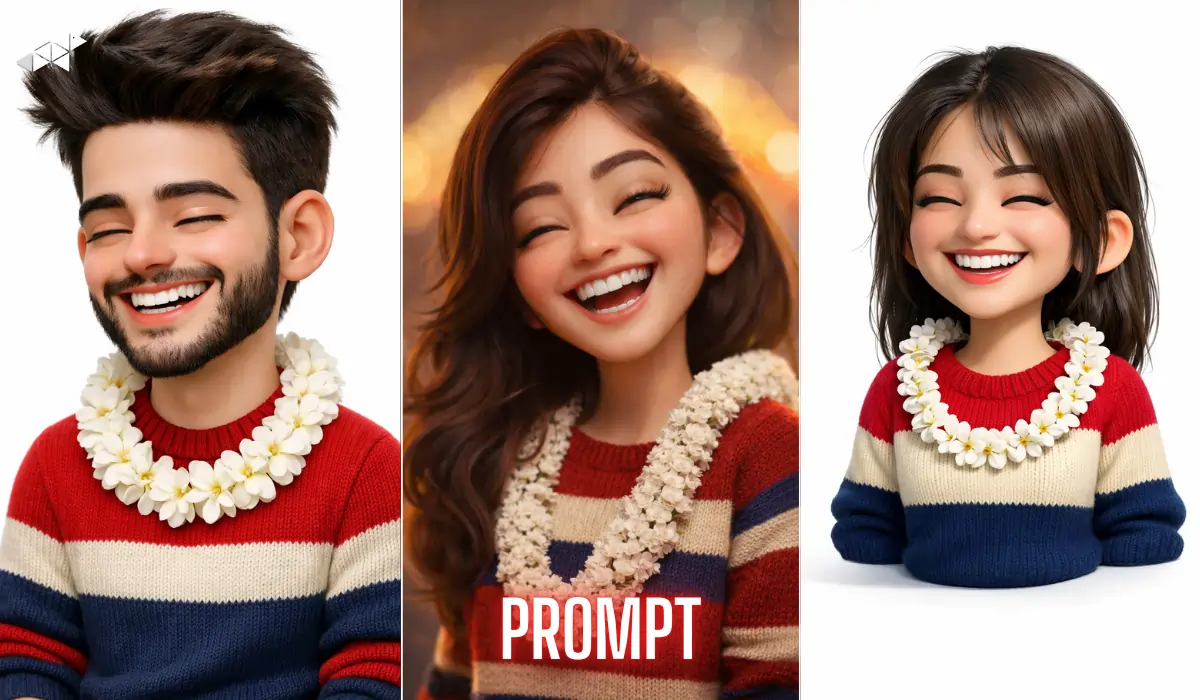
Want your 3D avatar to look exactly like you – not just similar, but almost identical?
Many AI tools create stylized faces, but they often miss small details like jawline depth or beard density.
If you’re using tools like ChatGPT/Gemini AI or advanced image generators, the right prompt makes all the difference. Here’s how to create a hyper-detailed 3D animated avatar that truly matches your reference image.
Below are copy-paste ready prompts. Use them in advanced AI image tools that support detailed rendering instructions.
Prompt 1 – Ultra-detailed 3D stylized avatar prompt Version
“Create an ultra-detailed 3D stylized avatar matching the uploaded reference image with 100% facial similarity. Maintain identical face structure including jawline sharpness, cheek fullness, smile curvature, nose width, eyebrow thickness, beard density, and hairstyle volume. Thick slightly messy dark brown hair with soft texture. Full trimmed beard and mustache aligned precisely with contours. Eyes closed in joyful expression with deep smiling creases. Wide natural toothy smile showing upper teeth. Rounded ears slightly outward. Big-head cartoon proportions. Red, cream and blue striped sweater. White flower garland. No visible neck. High-end 3D animated film quality, soft studio lighting, white background, smooth subsurface skin scattering, 8K ultra-detailed cinematic render.”
Best Use Case: Instagram profile photo, WhatsApp DP
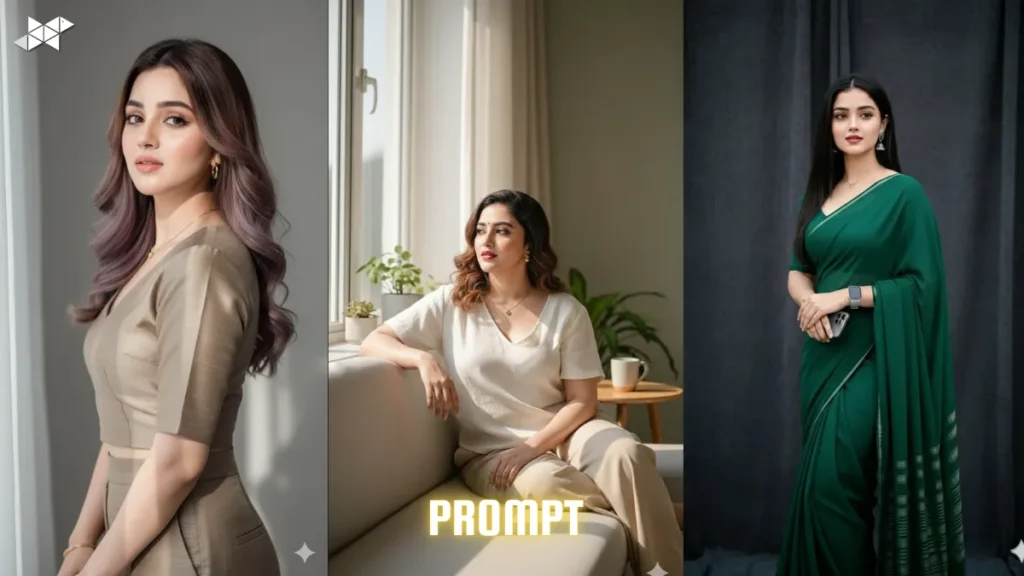
Prompt 2 – Cinematic Portrait Version
“Generate a front-facing centered 3D animated avatar based exactly on the reference image. Preserve facial geometry precisely — jawline angle, cheek volume, beard thickness, eyebrow density, and nose scale must match perfectly. Closed eyes with joyful wrinkles, wide natural smile with visible upper teeth. Thick dark brown textured hair, slightly messy. Big-head friendly stylized body proportions. Wearing identical red, cream, blue striped knitted sweater with white flower garland. Head transitions smoothly into torso with no visible neck. Clean white studio background, global illumination, soft shadows, ultra-clean render, 8K resolution, high-end animated movie quality.”
Best Use Case: Snapchat story, profile banner
Prompt 3 – High-End Animation Studio Version
“Design a conceptual digital art 3D avatar with full facial accuracy to the uploaded image. Match every structural detail including jawline depth, cheek fullness, nose size, smile width, eyebrow thickness, beard density, hairstyle volume and ear shape. Eyes closed joyfully with natural crease lines. Wide toothy smile. Thick dark brown hair, natural volume. Neatly shaped full beard and mustache. Cartoon big-head proportions aligned to reference head-to-body ratio. Red, cream and blue striped sweater. White floral garland. No neck visible. Soft studio lighting, subsurface scattering skin, realistic fabric texture, global illumination, cinematic 8K ultra sharp render.”
Best Use Case: Animated portrait, YouTube thumbnail
Prompt 4 – Social Media Friendly Clean Render
“Produce an ultra-clean high resolution 3D stylized avatar matching the reference image with exact facial resemblance. Keep identical jawline structure, beard density, eyebrow thickness, nose proportion and cheek fullness. Joyful closed eyes with smiling creases. Wide natural smile showing upper teeth. Slightly messy dark brown thick hair. Rounded slightly outward ears. Big-head cartoon style proportions. Wearing red, cream and blue striped sweater with white flower garland. Smooth head-to-torso blend without visible neck. White background, soft shadows, global illumination, 8K cinematic animated film aesthetic.”
Best Use Case: WhatsApp status, Instagram reel cover
Quick Tips for Better Avatar Results
- Upload a high-resolution front-facing photo.
- Ensure even lighting in the reference image.
- Avoid heavy shadows on jawline or beard.
- Use neutral white or light background.
- Keep facial expression clear and symmetrical.
Moreover, sharper input images always produce more accurate outputs.
Conclusion
A powerful Ultra-detailed 3D stylized avatar prompt controls structure, not just style.
When you define facial geometry, texture, and lighting clearly, your 3D avatar becomes almost identical to the reference image.







Leave a Reply