
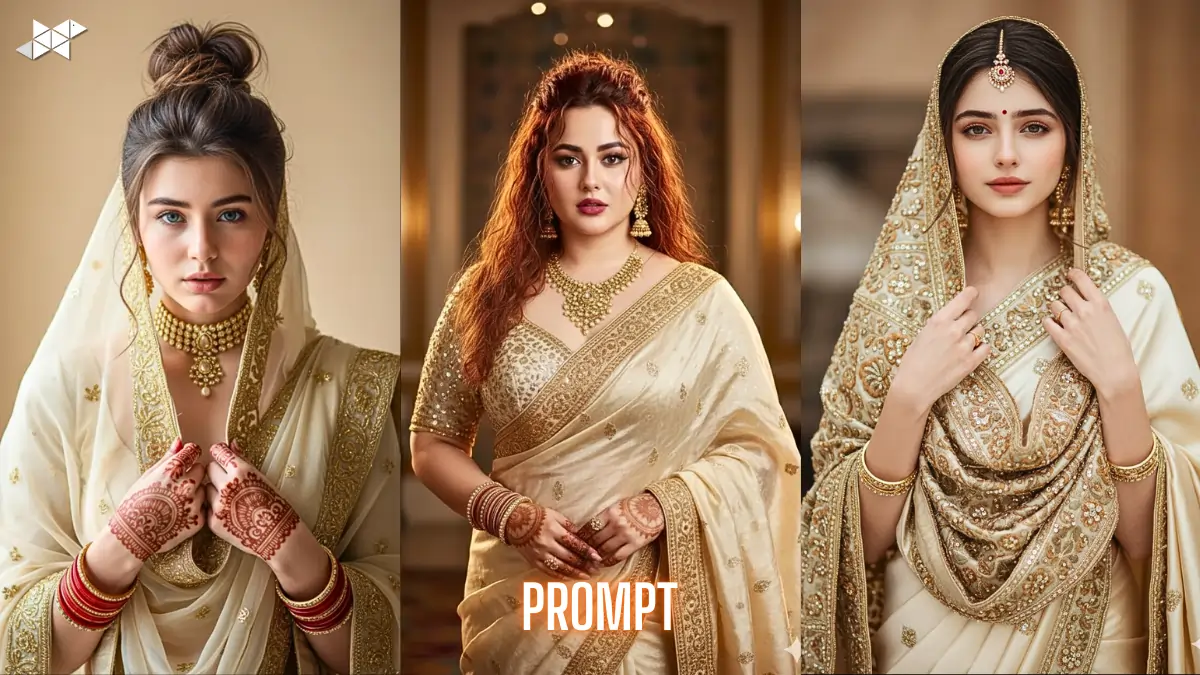
Creating ultra-detailed traditional portraits is now easier with Cream color Sari Image prompt 4K techniques in Gemini Ai. Many users struggle to keep the same face, pose, jewellery, and outfit while upgrading quality. This guide solves that problem with ready-to-use prompts. Moreover, each prompt is structured for accurate face copy, outfit consistency, and studio-level realism using Gemini Ai face copy workflows.
Why Detailed Reference-Based Prompts Matter
Reference-guided prompts help the model lock onto identity and styling. Without that, faces drift and outfits change.
Therefore, strong prompts must clearly define face structure, clothing, jewellery, lighting, and background. Precision reduces random variation and improves realism.
In addition, negative constraints are equally important. They tell the model what to avoid, which protects visual consistency.
Prompt 1
“Use the reference image as the primary guide and preserve identical face structure, skin tone, expression, hairstyle, and pose. Create a front-facing upper-body portrait of a young Indian woman wearing a cream color saari with heavy gold embroidery and matching blouse. Dupatta draped over head and held with both hands. Traditional gold choker, long earrings, red bangles, mehndi hands, soft studio lighting, warm beige background, ultra photorealistic, 4K detail, shallow depth of field. Negative: different face, modern outfit, missing jewelry, blur, CGI, cartoon.”
Prompt 2
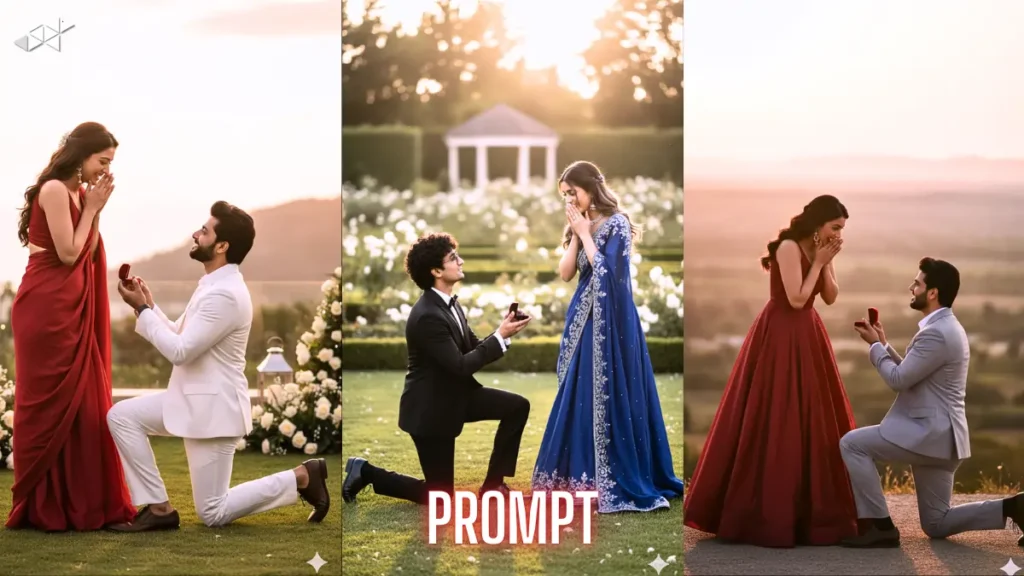
“Reference image must control identity and composition. Generate a 4K cream color saari portrait with the same facial geometry, eyes, nose, lips, and expression. Keep hairstyle, makeup, and hand pose unchanged. Rich gold border saari, embroidered blouse, layered gold necklace, statement earrings, rings, bangles, visible mehndi, deep pink nails. Warm cinematic studio light, sharp focus, DSLR realism, clean decorative backdrop. Negative: pose change, western wear, smooth plastic skin, illustration, low detail.”
Prompt 3
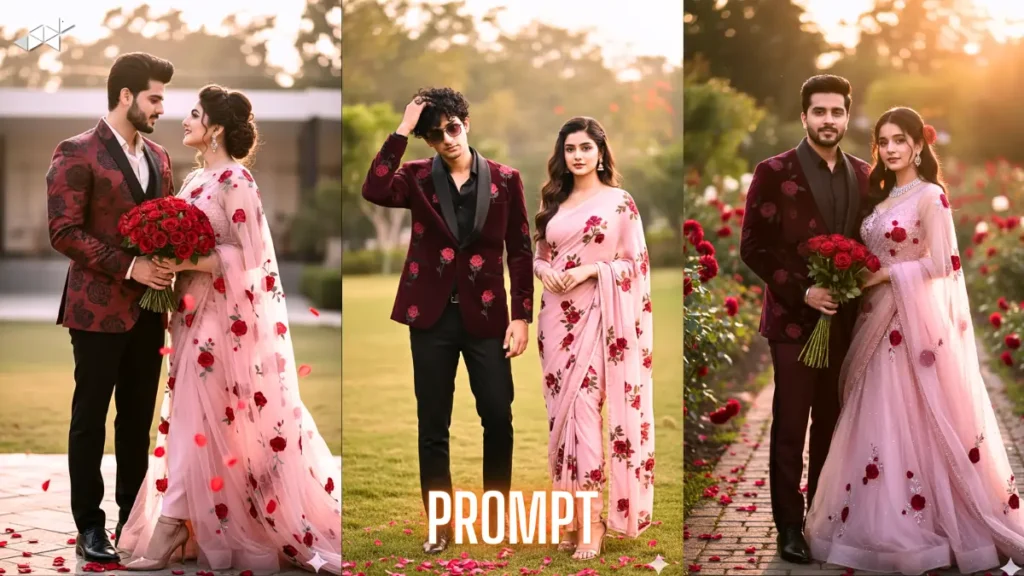
“Follow the uploaded reference strictly for face and pose match. Produce an ultra-detailed cream color saari bridal portrait, upper body framing, direct camera gaze. Maintain identical hair flow, bindi, eyeliner, lipstick, and jewellery placement. Hands raised holding dupatta edges, ornate gold embroidery fabric texture visible. Balanced warm lighting, natural skin texture, 4K clarity, depth blur background. Negative terms: face variation, jewelry removed, neckline change, anime style, digital painting, distortion.”
Prompt 4
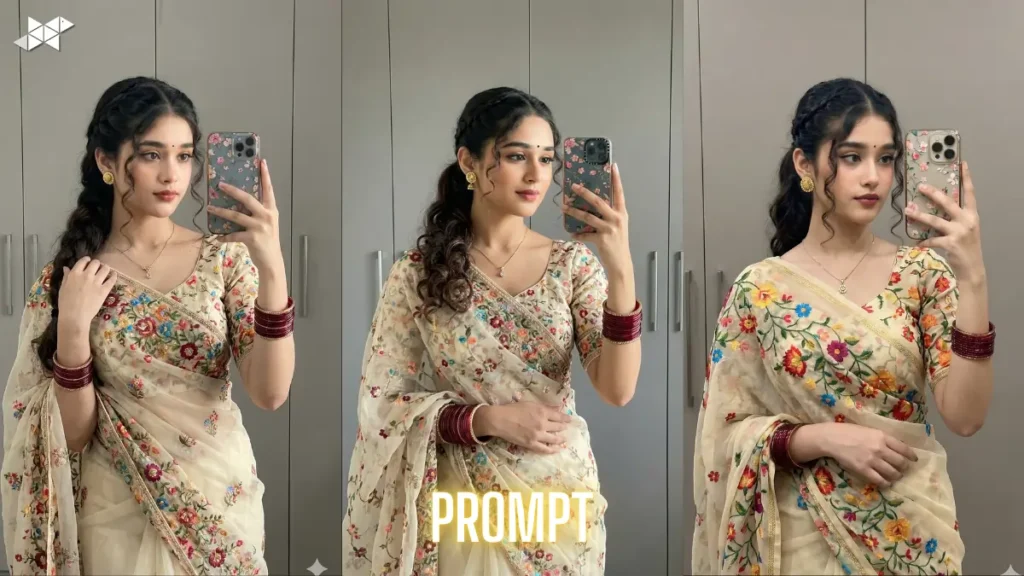
“Use reference photo for 100 percent identity preservation. Create a photorealistic cream color saari image in 4K with the same proportions, expression, and posture. Traditional bridal styling with gold choker, dangling earrings, stacked bangles, mehndi palms, embroidered blouse and bordered drape. Soft glamour lighting, high dynamic range, sharp textile detail, professional portrait lens effect. Negative: outfit swap, camera angle change, missing accessories, stylized art, oversoften filter.”
How to Preserve Face and Outfit Accuracy in Gemini Ai
Gemini Ai responds better when instructions are layered instead of vague. Start with identity preservation, then outfit, then styling, then lighting.
Next, keep pose and camera framing fixed. Upper-body portrait instructions improve face-copy accuracy.
Finally, always include negative exclusions like cartoon, CGI, modern dress, or different jewellery to prevent style drift.
Quick Tips for Better Gemini Ai Face Copy Results
- Upload the clearest possible reference image first
- Keep pose and camera angle fixed in wording
- Mention jewellery and hand position explicitly
- Add negative exclusions to stop style drift
- Use “upper-body portrait” for stronger face lock
Accurate portrait generation depends on structured prompts, not long prompts. The Cream color Sari Image prompt 4K method keeps identity and styling stable. Use the copy-paste prompts above and adjust only small details when needed.
1. How do I create a cream saree image in Gemini AI?
Use a detailed prompt mentioning cream color saree, 4K resolution, realistic lighting, Indian model, ultra-HD details for best results.
2. What keywords improve saree AI image quality?
Add terms like 4K, ultra-realistic, soft natural light, high detail, professional photography, sharp focus in your prompt.
3. Can Gemini AI generate realistic Indian saree portraits?
Yes, Gemini AI can create highly realistic saree portraits when you use clear fashion, lighting, and resolution details in the prompt.



Leave a Reply