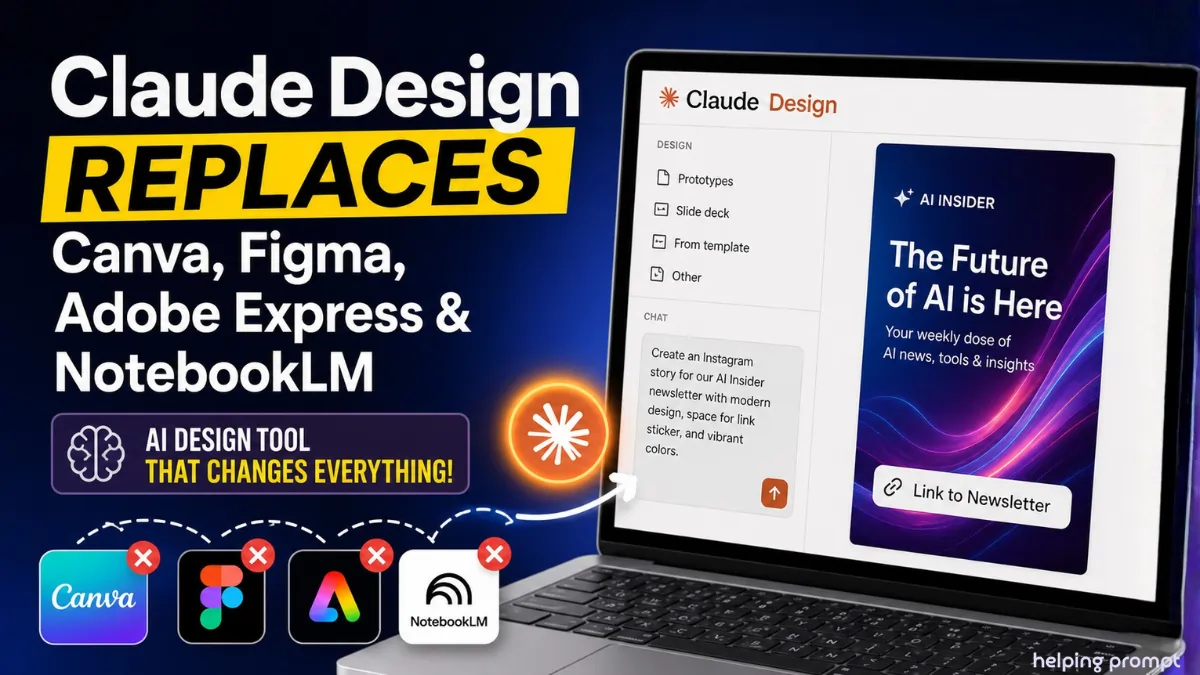
Claude Design AI Tool Replaces Canva, Figma: Real-World Test Insights
The Claude Design AI tool is making headlines in 2026.
A new update from Anthropic is shaking creative workflows.
Design is no longer just drag-and-drop.
Now, prompts can replace hours of manual effort.
Quick Summary
- Claude Design launched as a built-in creative tool
- Competes with Canva and Figma
- Uses natural language to generate full designs
- Real-time editing with chat + canvas interface
- Faster iteration than templates
- Weekly usage limits remain a concern
Claude Design AI Tool: A New Era of Prompt-Based Design
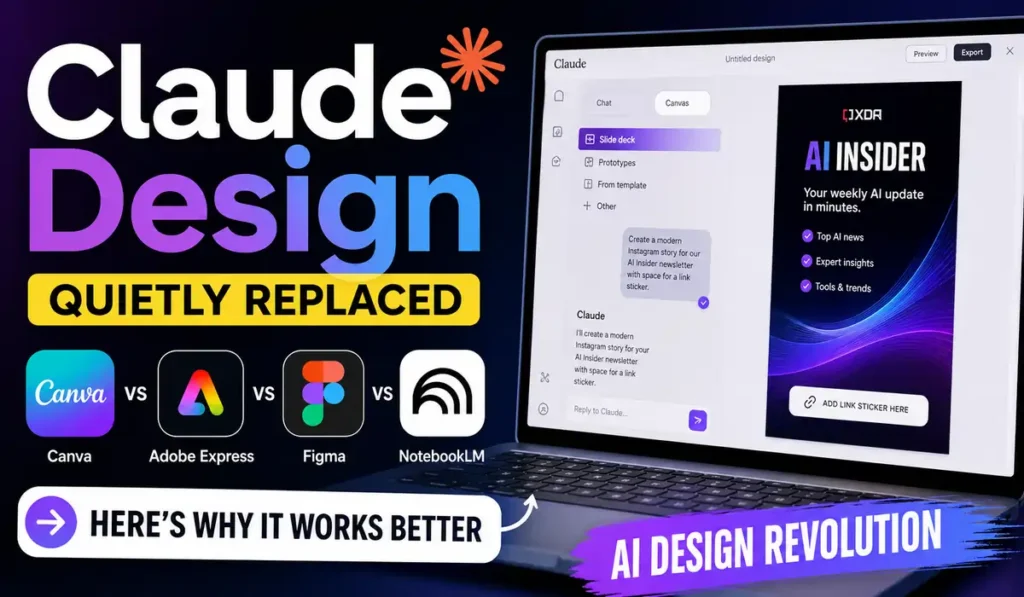
The Claude Design AI tool works like a creative assistant.
You describe.
It designs instantly.
It sits inside Claude with a dual layout:
- Chat panel for instructions
- Live canvas for output
You can create:
- Instagram stories
- Presentations
- Posters
- UI prototypes
Why Users Are Leaving Canva and Figma
Traditional tools like Adobe Express and Canva rely on templates.
However, templates often look repetitive.
Users report:
- Designs feel “same-like”
- Heavy manual editing required
- Time wasted adjusting elements
In contrast, Claude Design:
- Generates custom layouts instantly
- Matches user vision closely
- Removes template dependency
Real Workflow Shift: From Drag-and-Drop to AI Prompts
Earlier workflow:
- Choose template
- Replace text
- Adjust fonts and spacing
Now with Claude Design:
- Write a prompt
- Get a complete design
- Refine with simple instructions
Example:
“Create an Instagram story with space for link sticker”
Result: Done in minutes.
How To Replaces Canva, Figma
- How to use Claude Design AI tool?
Open Claude, go to Design tab, and enter your prompt to generate designs.
- How to create social media posts with Claude Design AI tool?
Describe layout, text, and style. The AI generates a ready-to-use design.
- How to edit designs in Claude Design AI tool?
Click elements or use chat prompts to refine layouts instantly.
Editing Feels Like Google Docs, Not Photoshop
One standout feature is editing simplicity.
You can:
- Comment on specific elements
- Ask for layout changes
- Edit manually if needed
This feels closer to docs editing than design tools.
Even beginners can iterate quickly.
Limits Still Hold It Back
Despite strong performance, limits exist.
- Weekly usage caps
- Faster exhaustion on paid plans
- Restricted free access
This could slow adoption for heavy users.
Pro Tips / Insights
- Use detailed prompts for better results
- Combine chat edits with manual tweaks
- Avoid over-editing; AI works best with clear direction
Conclusion
Claude Design is reshaping how people design.
It reduces effort and increases speed significantly.
However, limits may impact power users.
Still, the shift toward AI-first design is clear.
FAQs
The Claude Design AI tool is an AI-powered platform that creates designs using text prompts.
For many users, the Claude Design AI tool can replace Canva for faster and unique designs.
Claude Design AI tool is simpler, but Figma still leads in advanced UI workflows.