
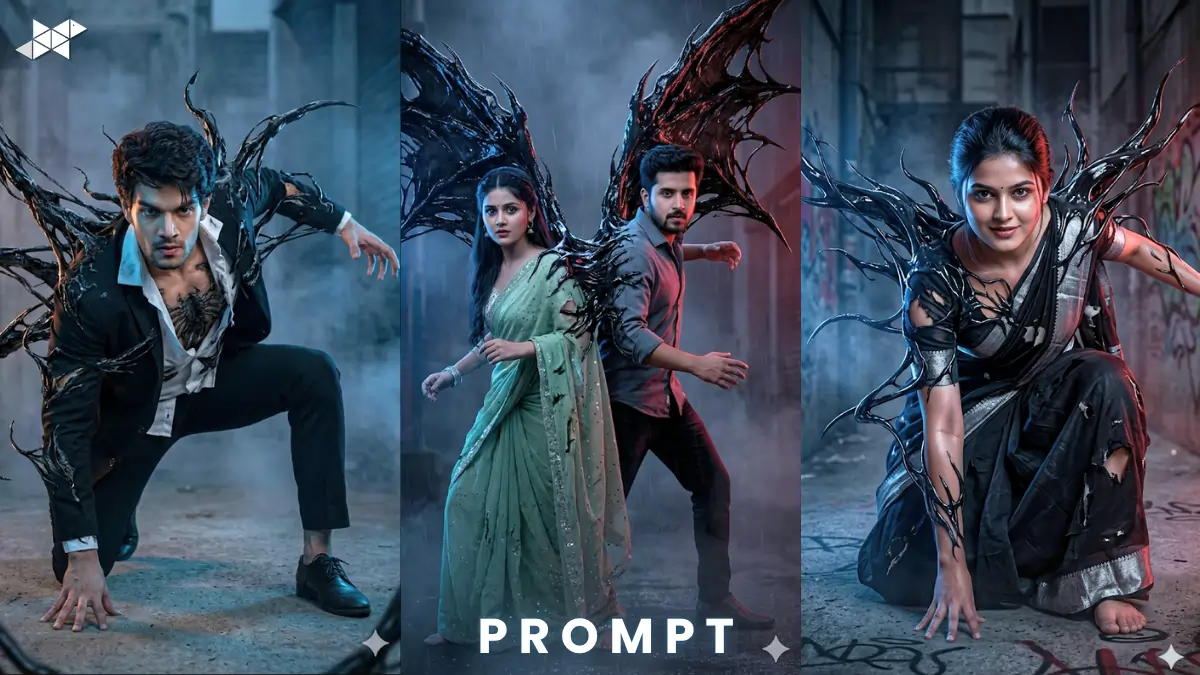
AI visuals are exploding right now
Creators use ChatGPT, Midjourney, and Gemini daily.
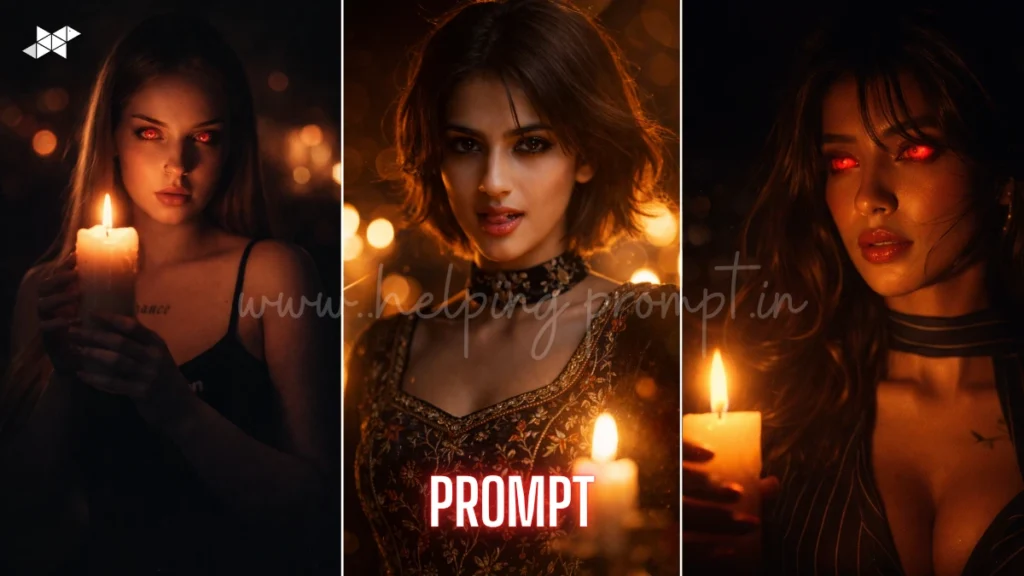
The cinematic venom AI prompt trend is dominating feeds.
Now you can create ultra-realistic action scenes in seconds.
Copy & Paste Cinematic Venom AI Image Prompt
Male Concept Prompt
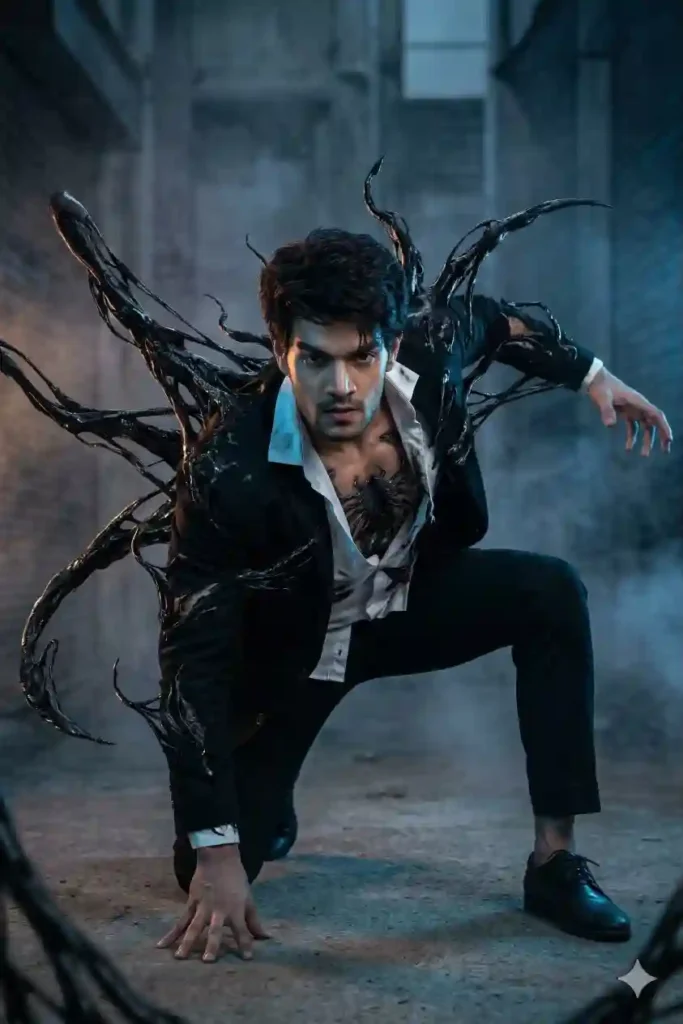
Ultra-realistic 16K cinematic scene of a young man, exact facial features preserved from reference image, dynamic action pose, crouched forward, one knee bent, one hand on ground, other reaching out, venom-like symbiote bursting from back, sharp tendrils expanding, dark glossy textures, dramatic lighting, rim light, volumetric fog, cinematic shadows, 85mm lens, shallow depth of field, hyper detailed skin texture, HDR, Unreal Engine style, intense mood, motion blur, high contrast, ultra sharp focus
Female Concept Prompt
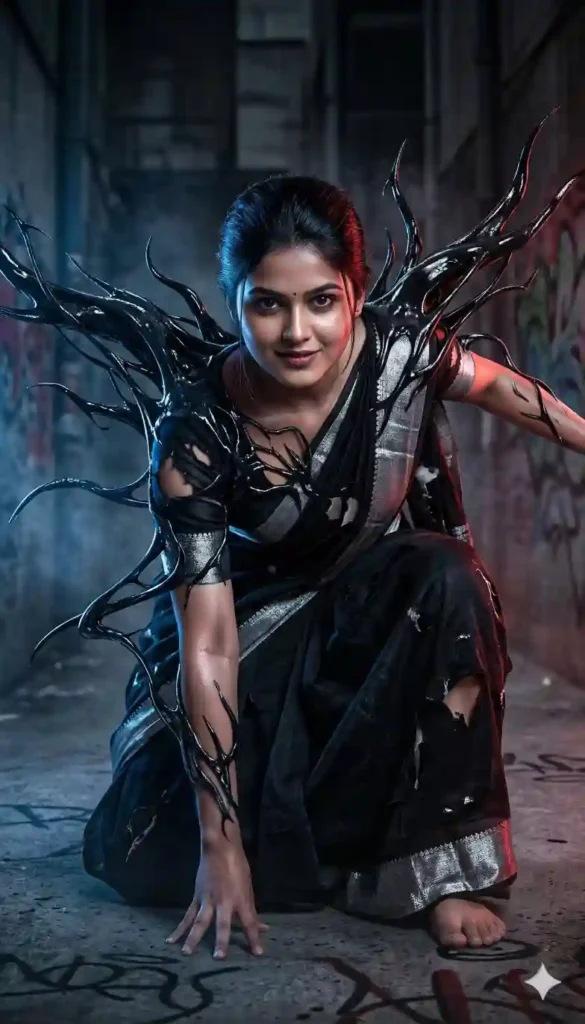
Ultra-realistic 16K cinematic scene of a young woman, exact facial structure preserved, crouched action stance, symbiote emerging from back, flowing organic tendrils, glossy black textures, glowing highlights, cinematic lighting, soft rim light, dramatic shadows, 50mm lens, shallow depth of field, realistic skin detail, atmospheric fog, high contrast, hyper detailed environment, HDR, Unreal Engine render, intense action mood
Couple Concept Prompt
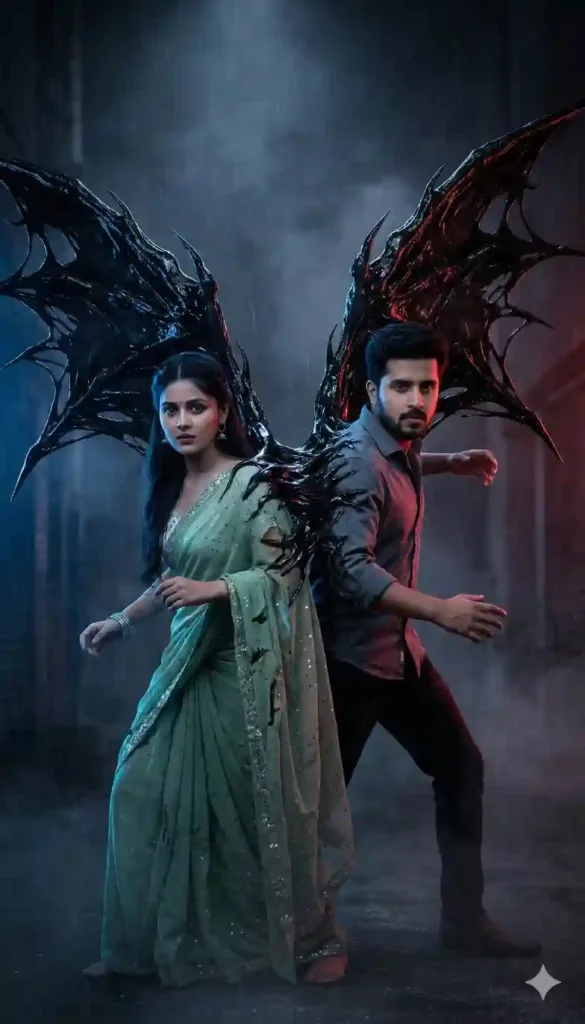
Ultra-realistic 16K cinematic scene of a couple, both faces preserved exactly, standing back-to-back in action pose, venom-like symbiote merging and expanding behind them, sharp tendrils forming wings, cinematic lighting, dual rim light, fog atmosphere, 35mm lens, shallow depth of field, hyper realistic skin and fabric textures, HDR, dramatic contrast, intense mood, Unreal Engine style render, motion energy
HOW TO USE PROMPT & CREATE THIS IMAGE:
- Where to use this prompt?
Use it in Midjourney, Leonardo AI, or Stable Diffusion.
- Do I need a reference image?
Yes, for accurate face preservation and realism.
- How to improve output quality?
Use higher quality and add lighting keywords.
QUICK SETTINGS
• Aspect ratio: 9:16 or 16:9
• Stylize: 100–250
• Quality: High / 2x
• Negative prompts: blur, low quality, distorted face, extra limbs

PRO TIPS
• Use “exact face preservation” for identity accuracy
• Add “cinematic lighting” for dramatic visuals
• Combine “motion blur + DOF” for realism
FAQs:
Yes, it works great for viral content and YouTube thumbnails.
Use stronger reference weight or image prompt.
Midjourney gives top cinematic results currently.
CONCLUSION
This trend is your shortcut to viral visuals
Start using the cinematic venom AI prompt today.
Create, पोस्ट, and grow faster




Leave a Reply