Viral Cinematic Portrait AI Prompt Mastery
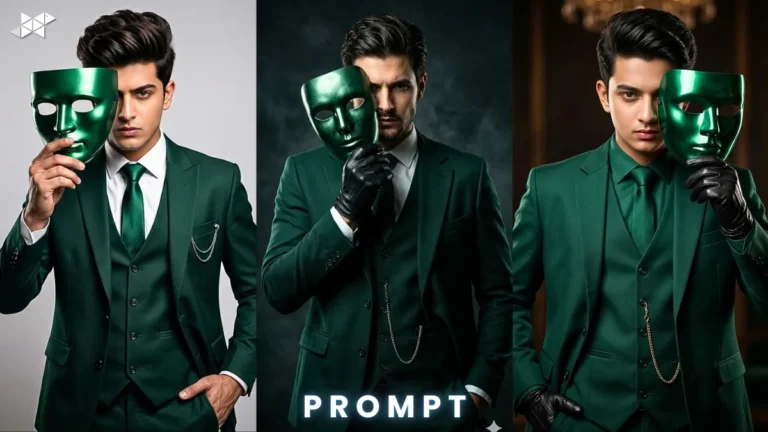
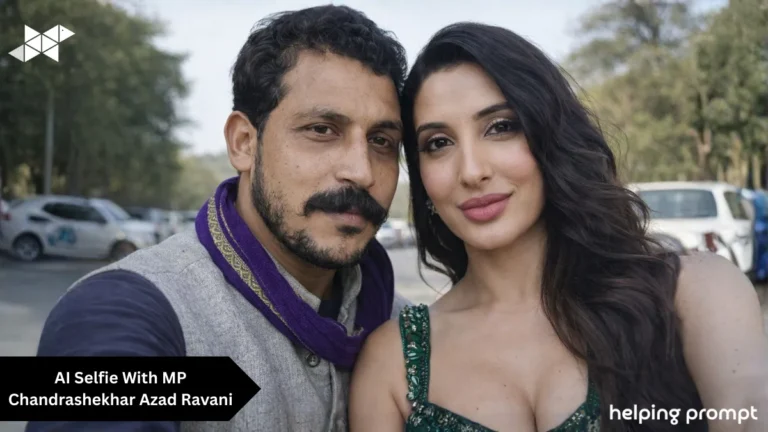
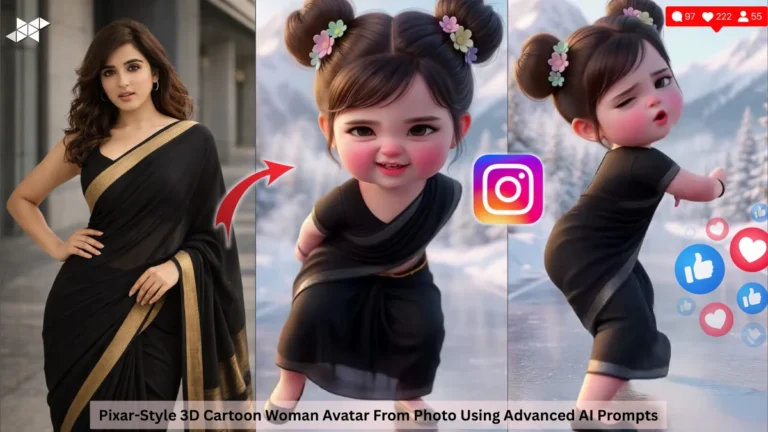
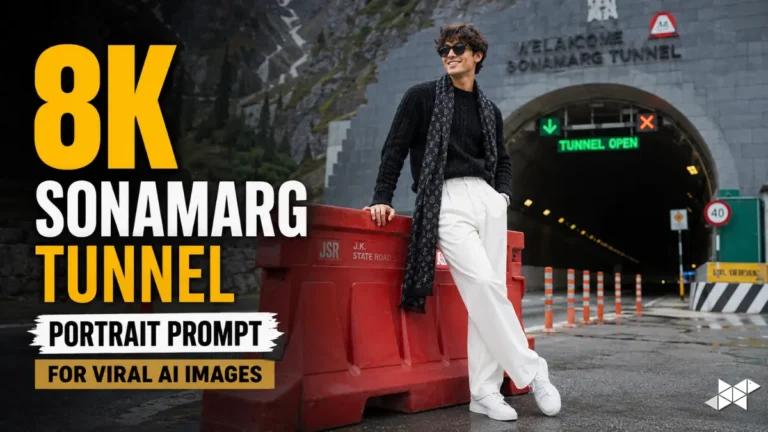
Cinematic portraits are trending across AI platforms today. Tools like ChatGPT, Midjourney, Gemini, Leonardo AI, DALL·E, Ideogram AI, Krea AI make it simple. This cinematic portrait AI prompt helps you create dramatic, ultra-realistic visuals instantly. Moreover, it blends lighting, mood, and depth for powerful results. If you want scroll-stopping portraits, this guide gives you ready prompts and expert tweaks.
Copy & Paste cinematic portrait AI prompt
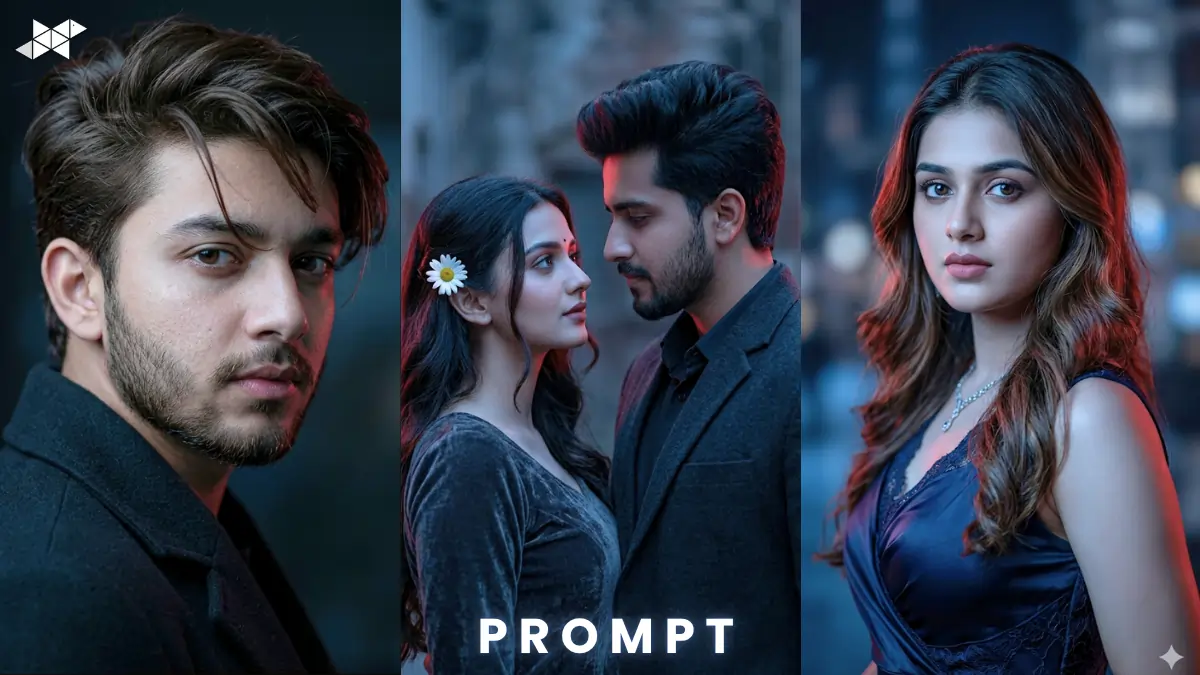
Male Concept Prompt
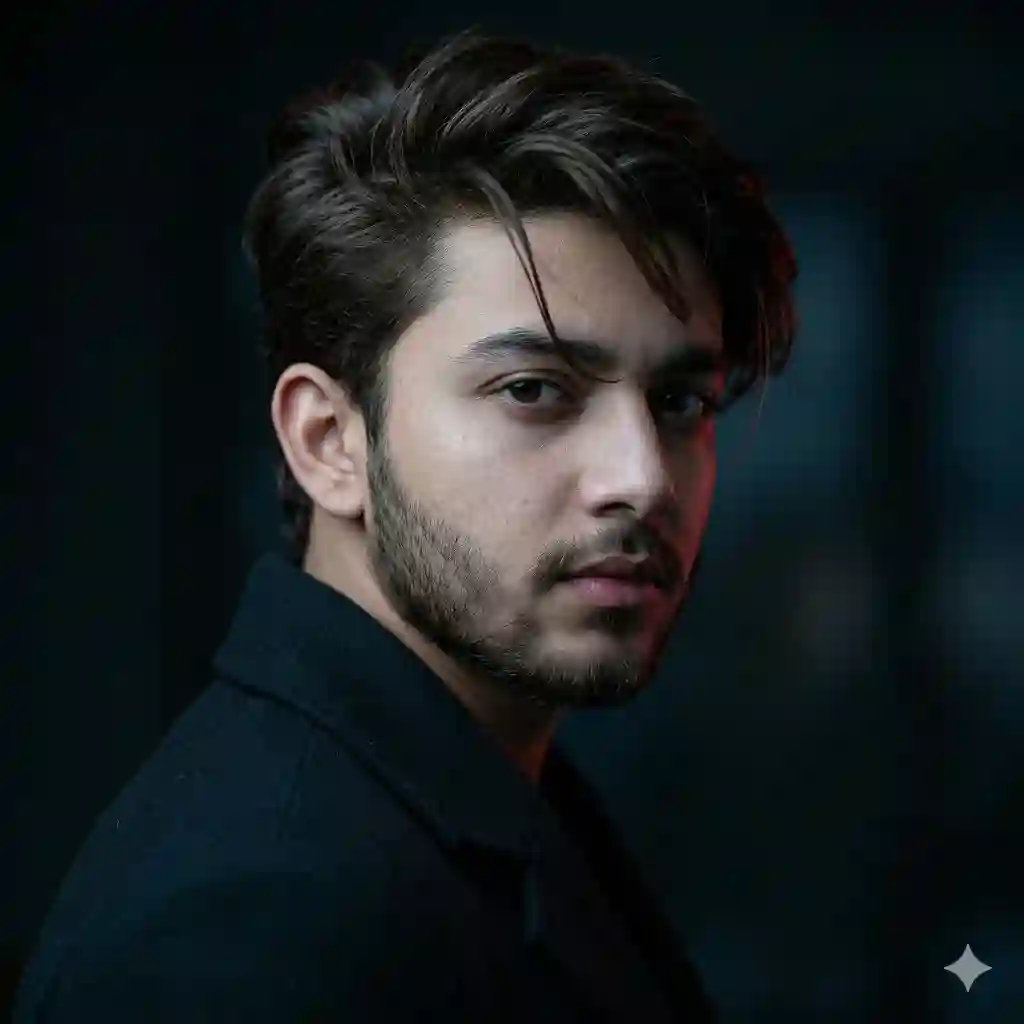
Ultra realistic face match prompt of a handsome young man, sharp eyes, tousled dark brown hair swept back with a loose strand, neatly trimmed beard, three-quarter profile view, intense gaze at camera, dark minimalist coat, cinematic low-key lighting, cool blue tones with subtle red rim light, dramatic shadows, 85mm lens, f/1.8 aperture, shallow depth of field, soft bokeh background, ultra-detailed skin texture, 8K resolution, HDR, photorealistic, film grain
Female Concept Prompt
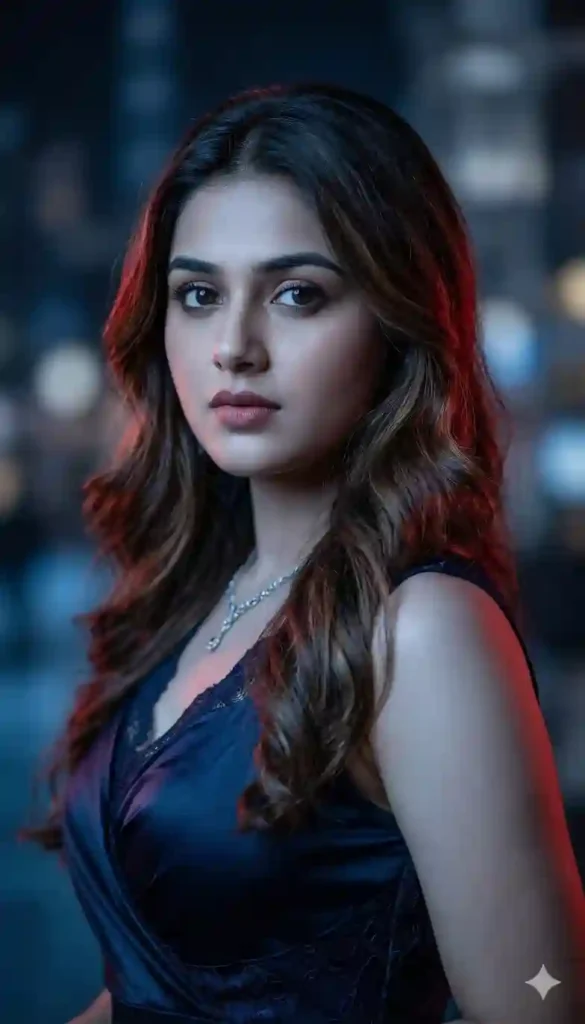
Ultra realistic face match prompt of a beautiful young woman, sharp expressive eyes, soft wavy hair flowing naturally, subtle makeup, three-quarter angle, confident gaze, elegant dark outfit, cinematic low-key lighting, cool blue tones with soft red rim light, 85mm portrait lens, f/1.8, shallow depth of field, creamy bokeh background, ultra-detailed skin texture, 8K resolution, HDR, photorealistic, soft glow highlights
Couple Concept Prompt
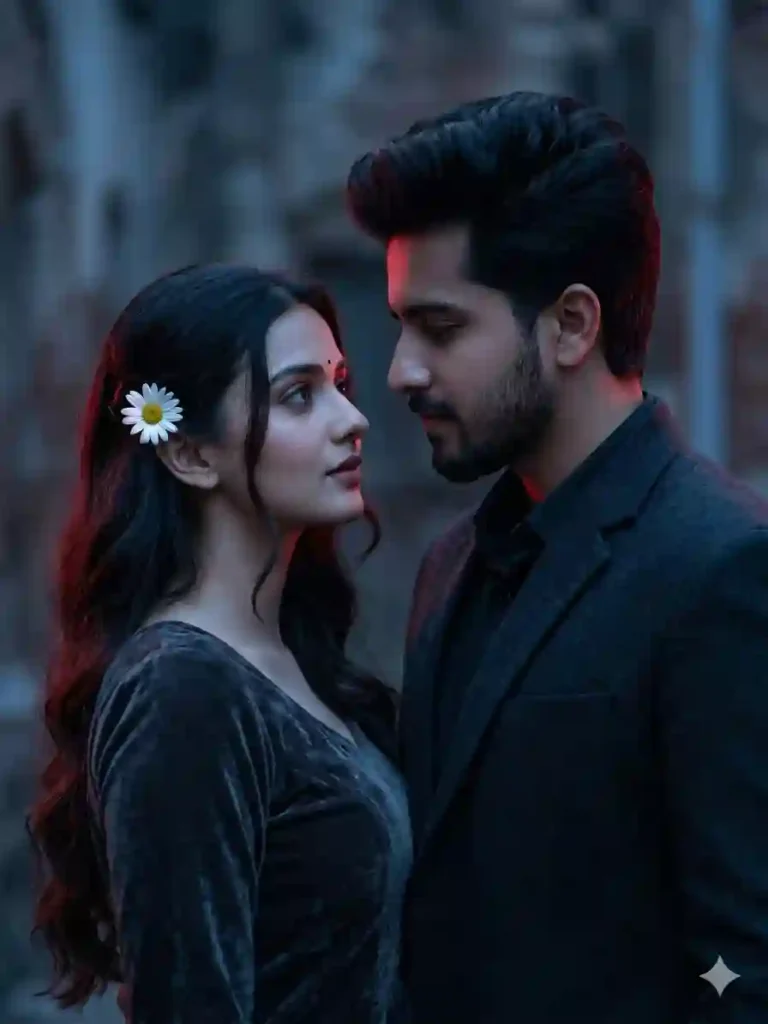
Ultra realistic face match prompt of a stylish couple, close composition, both in three-quarter view, intense emotional gaze, coordinated dark outfits, cinematic low-key lighting, cool blue ambient tones with red rim highlights, 85mm lens, f/2.0 aperture, shallow depth of field, soft blurred background, ultra-detailed textures, 8K resolution, HDR, film-style grading, dramatic mood
HOW TO USE
How do I use this prompt?
Copy and paste into Midjourney or Gemini. Adjust face or outfit details for personalization.
Which AI tool works best?
Midjourney excels in visuals. ChatGPT helps refine prompt structure.
Can I customize lighting?
Yes, tweak tones like blue or red. Also adjust lens and aperture for style.
QUICK SETTINGS
• Aspect ratio: 2:3 or 4:5
• Stylize: 150–250
• Quality: High (2 or above)
• Negative prompts: blurry, low quality, distorted face, extra limbs
PRO TIPS
• Tip 1: Use 85mm lens for natural portrait depth.
• Tip 2: Add rim lighting for cinematic drama.
• Tip 3: Keep background simple for subject focus.
FAQs
1: Why use cinematic lighting?
It adds depth and emotion.
Also makes images look professional instantly.
2: What is shallow depth of field?
It blurs the background softly.
This keeps attention on the subject.
3: How to get ultra realism?
Use 8K, HDR, and skin texture details.
Also include lens and lighting specifics.
CONCLUSION
Start creating stunning portraits today. Use this cinematic portrait AI prompt and experiment boldly. Your next viral visual could be just one prompt away