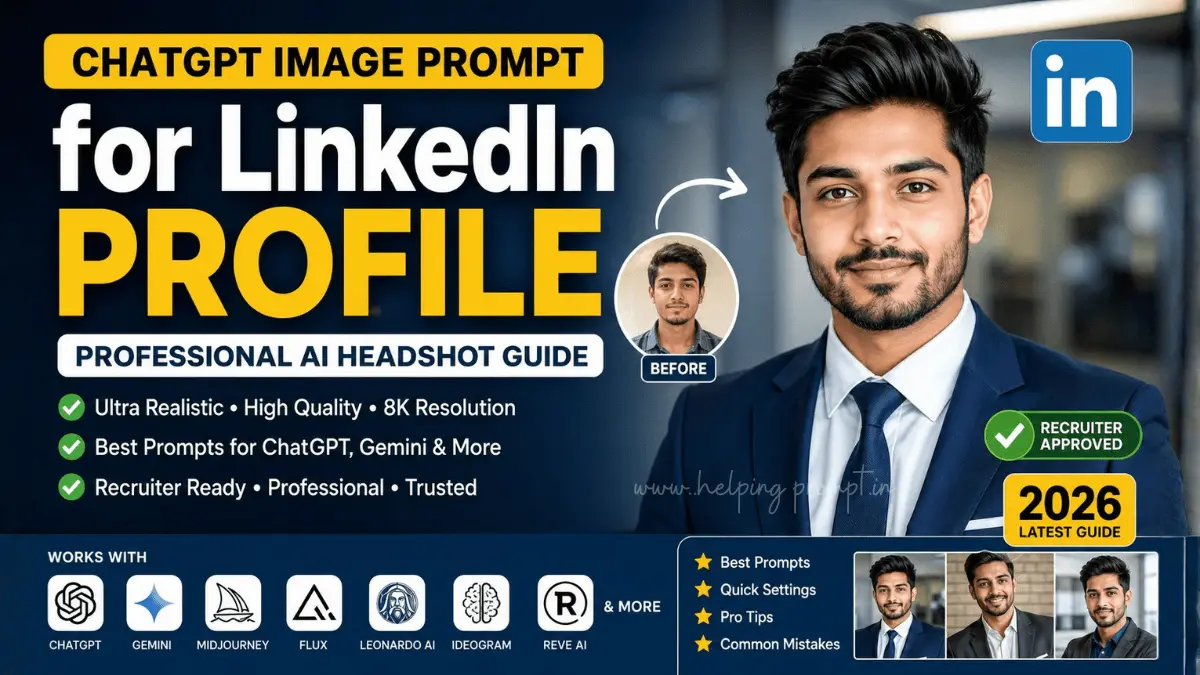
ChatGPT Image Prompt for LinkedIn Profile That Gets Noticed (2026 Guide)
Your LinkedIn profile photo is often the first thing recruiters, hiring managers, clients, and business partners notice. Before reading your experience or skills, people form an impression based on your profile picture.
Thanks to modern AI image generators, creating a polished and professional headshot no longer requires an expensive photographer. With the right ChatGPT Image Prompt for LinkedIn Profile, you can generate realistic, high-quality portraits that reflect your personality while maintaining a professional appearance.
Whether you’re a software engineer, entrepreneur, consultant, designer, marketer, freelancer, or job seeker, this guide provides ready-to-use prompts, customization tips, and best practices for creating a LinkedIn profile photo that looks authentic and trustworthy.
Recommended AI Tools: ChatGPT GPT Image | Google Gemini | Midjourney | FLUX | Leonardo AI | Ideogram | Reve AI (app.reve.com)
Why Your LinkedIn Profile Photo Matters
A professional profile picture helps establish credibility before someone reads your profile.
A high-quality LinkedIn photo can help you:
- Build professional trust
- Make a stronger first impression
- Increase profile views
- Strengthen your personal brand
- Look approachable and confident
- Maintain consistency across resumes, portfolios, and company websites
The goal isn’t to create a glamorous portrait—it’s to create a photo that accurately represents you while presenting a polished, professional image.
What Makes a Great AI LinkedIn Headshot?
The best AI-generated LinkedIn portraits usually include:
- Natural facial expression
- Accurate facial identity
- Realistic skin texture
- Soft professional lighting
- Neutral background
- Business-appropriate clothing
- Eye contact with the camera
- Minimal distractions
- Balanced composition
- High-resolution output
Avoid overly dramatic effects that make the image look artificial.
Best ChatGPT Image Prompt for LinkedIn Profile
Corporate Executive LinkedIn Portrait
Create an ultra-realistic LinkedIn profile portrait of the uploaded person while preserving the exact facial identity, realistic proportions, natural skin texture, authentic expression, and eye shape.

Dress the subject in a premium navy business suit with a crisp white shirt and subtle executive styling.

Use soft professional studio lighting, a neutral gray background, shallow depth of field, DSLR-quality realism, 85mm portrait lens, symmetrical composition, natural eye contact, realistic shadows, clean color grading, and high-end corporate photography style.

The final image should appear authentic, trustworthy, polished, and suitable for LinkedIn, executive branding, company websites, and professional networking.
Modern Startup Founder Prompt
Generate a premium LinkedIn profile photo using the uploaded face without changing the person's identity.

Dress the subject in smart casual business attire with a fitted blazer and neutral shirt.

Capture cinematic window lighting, a blurred modern office environment, balanced highlights, realistic skin texture, editorial-quality photography, natural confidence, DSLR realism, soft depth of field, and clean color grading.

The image should look modern, approachable, and suitable for startup founders, entrepreneurs, investors, and technology professionals.
Creative Professional Branding Portrait
Produce a highly realistic LinkedIn headshot while preserving every facial feature from the uploaded image.

Style the subject in elegant business casual clothing with soft premium lighting, subtle warm tones, realistic camera perspective, natural smile, modern coworking background, shallow depth of field, detailed skin texture, and magazine-quality composition.

The portrait should communicate creativity, professionalism, authenticity, and confidence while remaining suitable for LinkedIn and professional branding.
Global Consultant Premium Headshot
Design an ultra-high-resolution LinkedIn profile portrait from the uploaded image while maintaining identical facial identity.

Dress the subject in luxury business attire with a confident posture.

Use a blue-gray studio background, natural daylight simulation, premium DSLR realism, balanced color grading, realistic shadows, ultra-sharp facial details, professional styling, and editorial-quality lighting.

The result should feel trustworthy, sophisticated, and appropriate for consultants, executives, advisors, and corporate professionals.
Industry-Specific Prompt Ideas
Software Engineer
Professional business casual clothing with a clean office background, soft lighting, confident expression, realistic photography, minimal distractions, and authentic facial identity.
Marketing Professional
Business casual attire, creative workspace background, warm natural lighting, approachable smile, modern branding style, realistic textures, and editorial-quality photography.
Lawyer
Formal business suit, elegant office setting, balanced lighting, composed expression, premium DSLR realism, and a trustworthy corporate appearance.
Doctor
Professional medical attire or business formal clothing, bright neutral background, soft daylight, confident expression, realistic photography, and authentic presentation.
Sales Professional
Confident posture, modern office environment, approachable smile, premium lighting, clean composition, and polished business styling.
Freelancer
Relaxed business casual outfit, modern coworking environment, natural window lighting, creative but professional appearance, realistic skin texture, and confident eye contact.
Prompt Variables You Can Customize
You can personalize any prompt using these variables:
| Variable | Examples |
|---|---|
| Clothing | Navy suit, blazer, business casual |
| Background | Gray studio, office, coworking space |
| Lighting | Soft studio, window light, natural daylight |
| Expression | Friendly smile, confident, approachable |
| Camera | DSLR, mirrorless |
| Lens | 85mm, 50mm |
| Style | Corporate, startup, creative, consultant |
| Quality | Ultra realistic, 8K, high resolution |
Compatible AI Image Generators
These prompts work well with:
- ChatGPT GPT Image
- Gemini
- Midjourney
- FLUX
- Leonardo AI
- Ideogram
- Reve AI
You may need to make small wording adjustments depending on the image model.
Quick Settings Guide
| Setting | Recommendation |
|---|---|
| Style | Ultra Realistic |
| Aspect Ratio | 1:1 |
| Resolution | 2048×2048 or higher |
| Camera | 85mm DSLR |
| Lighting | Soft Studio |
| Background | Neutral Gray |
| Expression | Natural Confidence |
| Focus | Sharp Face |
| Depth of Field | Shallow |
| Output | High Resolution |
Best Practices
For the most natural-looking results:
- Upload a high-resolution photo.
- Face the camera directly.
- Keep both eyes clearly visible.
- Avoid sunglasses.
- Choose professional clothing.
- Keep hair natural.
- Use neutral colors.
- Maintain a relaxed smile.
- Generate multiple variations.
- Compare results before selecting one.
- Match your industry expectations.
- Avoid excessive retouching.
- Keep shoulders visible.
- Leave enough headroom.
- Update your LinkedIn photo periodically.
Common Mistakes to Avoid
Many AI-generated headshots look unrealistic because of small errors.
Avoid:
- Over-smoothed skin
- Unrealistic eyes
- Plastic-looking faces
- Dramatic HDR effects
- Cartoon-like rendering
- Busy backgrounds
- Cropped shoulders
- Poor lighting
- Incorrect facial proportions
- Heavy beauty filters
A natural-looking image generally appears more credible than one that looks heavily edited.
Which Style Should You Choose?
| Style | Best For |
|---|---|
| Executive | CEOs, Directors, Managers |
| Startup | Founders, Entrepreneurs |
| Creative | Designers, Creators |
| Consultant | Advisors, Freelancers |
| Corporate | Finance, HR, Sales |
| Business Casual | Marketing, IT, Product Teams |
Pro Tips for Better Results
Use the Highest Quality Source Photo
A clear front-facing image gives AI models more accurate facial details.
Keep Clothing Professional
Neutral colors such as navy, charcoal, black, and white usually work well.
Generate Multiple Versions
AI images vary between generations. Create several options before choosing your final profile picture.
Match Your Industry
A consultant’s profile photo should look different from a graphic designer’s. Choose clothing and backgrounds that fit your profession.
Keep It Authentic
The best LinkedIn profile photo still looks like you. Avoid changing facial features or creating an unrealistic appearance.
Final Thoughts
A strong LinkedIn profile photo can improve your professional presence before someone reads a single line of your profile. AI image generators now make it easier than ever to create polished, realistic headshots that reflect your personal brand.
Use the prompts in this guide as a starting point, then experiment with lighting, wardrobe, backgrounds, and expressions to find the version that best matches your industry and personality. Consistent professional branding across LinkedIn, resumes, portfolios, and company websites can help create a more recognizable and trustworthy online presence.
Frequently Asked Questions
The best prompt includes accurate facial identity, realistic lighting, professional clothing, a clean background, and natural expressions while avoiding exaggerated edits.
Yes. ChatGPT’s image generation capabilities can create realistic business portraits when provided with a high-quality reference photo and a detailed prompt.
These prompts are compatible with ChatGPT GPT Image, Gemini, Midjourney, FLUX, Leonardo AI, Ideogram, and Reve AI.
Use a sharp, front-facing image with even lighting and minimal filters. The clearer the reference image, the better the AI can preserve your facial features.
A square (1:1) image works best for LinkedIn profile photos.
High-quality AI-generated headshots can look very realistic, but authenticity matters. Choose an image that accurately represents your appearance and avoid unrealistic enhancements.
Consider updating your profile photo every one to two years or whenever your appearance changes significantly or you want to refresh your professional brand.
Yes. Using the same professional photo across your LinkedIn profile, personal website, speaker bio, and portfolio helps create consistent personal branding.
Looking for more premium AI prompts? Explore the latest prompt collections on HelpingPrompt.in for ChatGPT, GPT Image, Google Gemini, Midjourney, FLUX, Leonardo AI, Ideogram and other leading AI tools. Every guide is designed to help you create higher-quality results with less trial and error.