
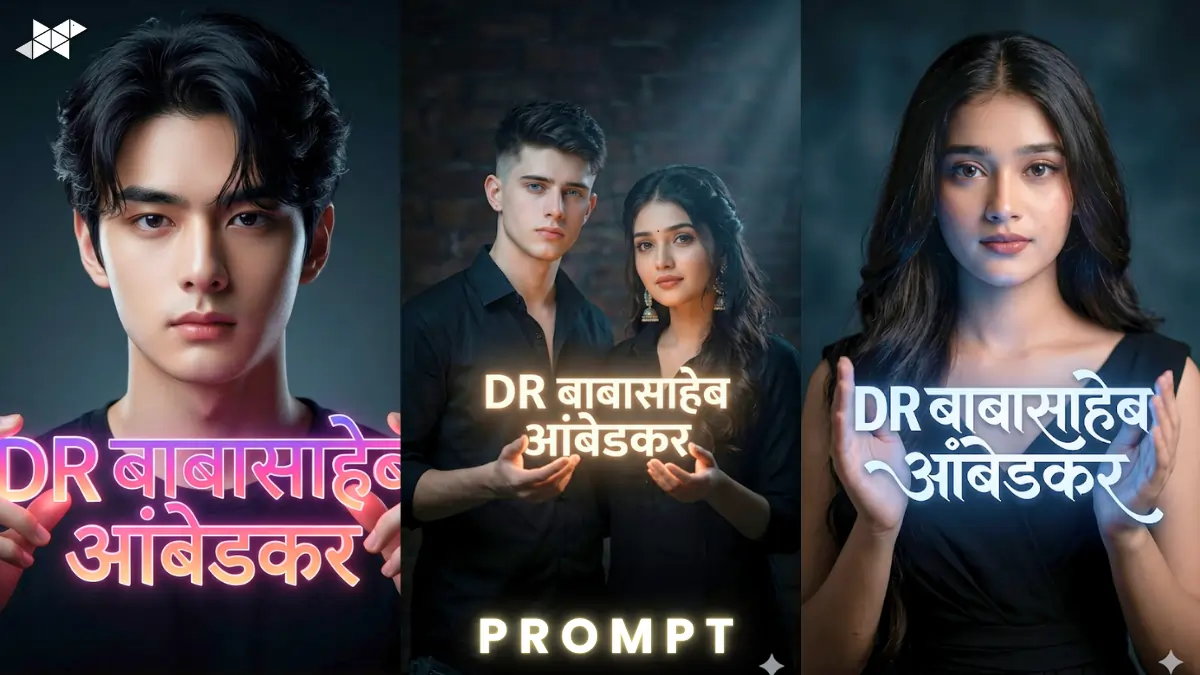
AI portraits are trending across Instagram and reels right now.
Creators use tools like ChatGPT, Midjourney, and Gemini for viral visuals.
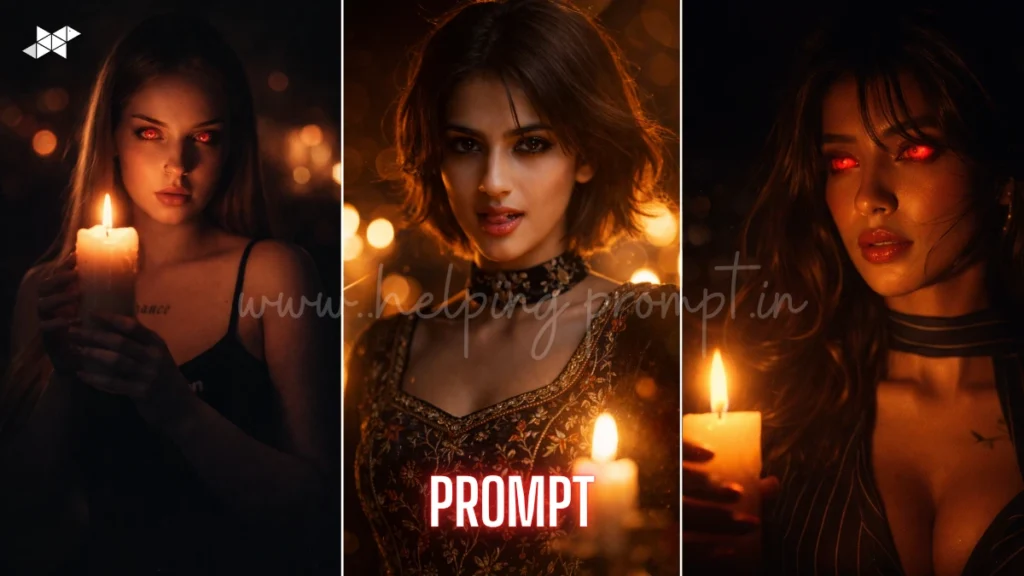
This cinematic AI portrait prompt 8K ultra realistic style looks stunning.
It blends realism, lighting, and emotion into one powerful image.
Copy & Paste Cinematic AI Portrait Prompt 8K Ultra Realistic
Male Concept Prompt
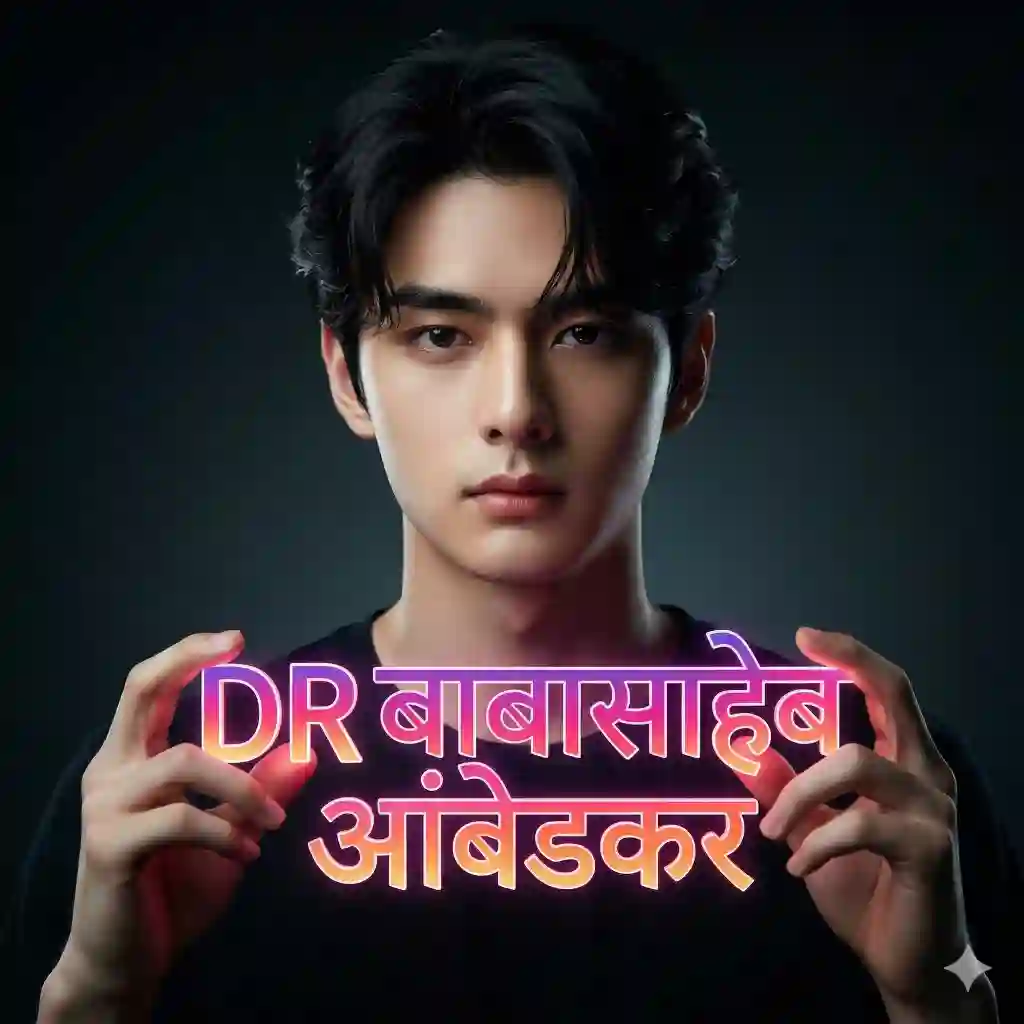
Ultra realistic cinematic 8K portrait of a young man, face, hair, and body matched from reference image, wearing a black shirt, holding glowing Hindi text "DR बाबासाहेब आंबेडकर" in stylish Instagram logo-inspired typography, glowing text illuminating his face and hands, dark low-key background, dramatic lighting, sharp facial details, 85mm lens, shallow depth of field, high dynamic range, skin texture realism, cinematic shadows, ultra detailed, photorealistic, volumetric light, moody atmosphere
Female Concept Prompt
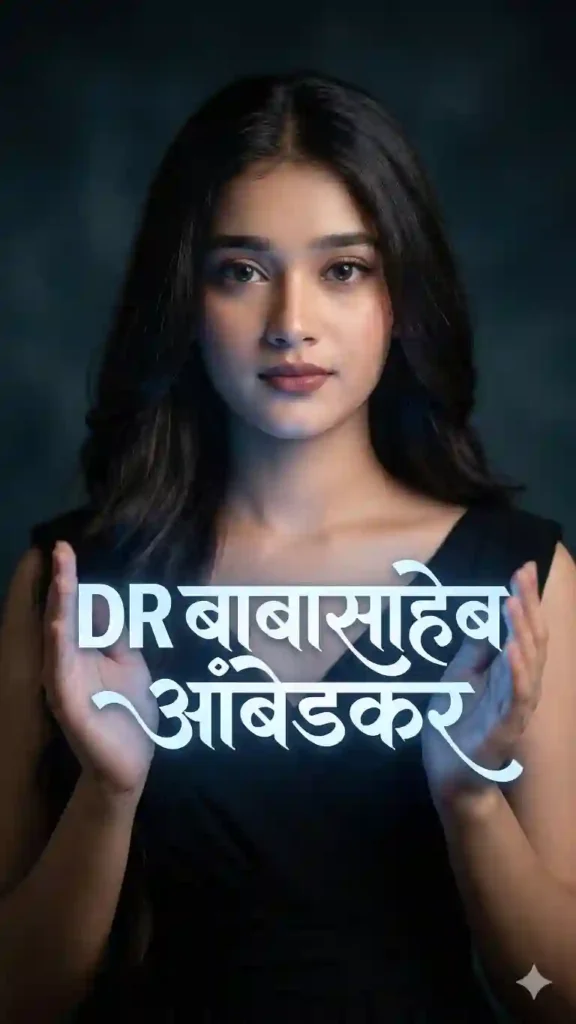
Ultra realistic cinematic 8K portrait of a young woman, face matched from reference image, wearing an elegant black outfit, holding glowing Hindi text "DR बाबासाहेब आंबेडकर" in stylish modern font, soft glow lighting illuminating face and fingers, dark cinematic background, 85mm lens, shallow DOF, smooth skin texture, hyper realistic details, HDR lighting, dramatic shadows, ultra sharp focus, cinematic photography style
Couple Concept Prompt
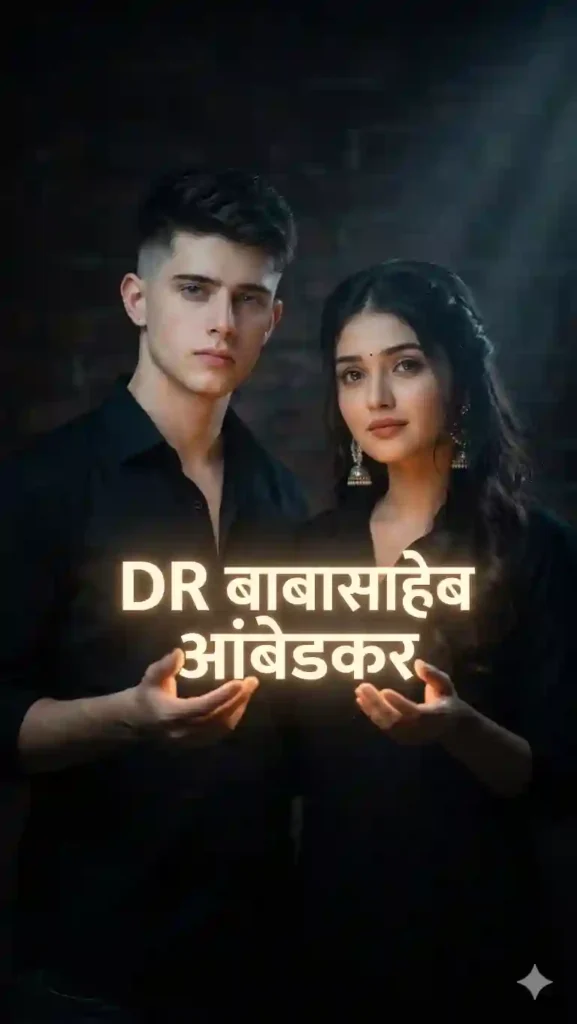
Ultra realistic cinematic 8K portrait of a couple, faces matched from reference image, both wearing black outfits, jointly holding glowing Hindi text "DR बाबासाहेब आंबेडकर", text casting light on their faces, dark moody environment, dramatic low-key lighting, 50mm lens, shallow depth of field, skin texture realism, cinematic tone, volumetric lighting, ultra detailed, photorealistic composition
HOW TO USE CINEMATIC AI PORTRAIT PROMPT GUIDE
- Where to use this prompt?
Use it in Midjourney, Leonardo AI, or Stable Diffusion.
- Do I need a reference image?
Yes, upload a clear face image for best results.
- Can I edit text style?
Yes, modify font style or glow color as needed.
QUICK SETTINGS
• Aspect ratio: 4:5 or 1:1
• Stylize: 250–500
• Quality: High / 2
• Negative prompts: blurry, low quality, extra fingers, distorted face
PRO TIPS
• Use high-resolution face images for perfect realism
• Adjust glow intensity to enhance cinematic effect
• Try different lens values like 50mm or 85mm for depth
FAQs
Use better lighting keywords and a high-quality reference image.
Midjourney and Leonardo AI give the most cinematic output.
Yes, it’s perfect for reels, DP, and viral posts.
CONCLUSION
This cinematic AI portrait prompt unlocks ultra realistic results fast.
Start creating stunning visuals that stand out instantly.
Try it now and level up your AI creativity


Leave a Reply