
Android users, get ready.
Android 17 Beta 1 has started rolling out, and it brings practical upgrades that actually matter in daily use.
This isn’t just another version update.
From smarter privacy controls to smoother performance, the changes feel more refined and intentional.
If you use your phone for work, content creation, or heavy apps, this update deserves attention.
Quick Notes
Stronger privacy dashboard with real-time permission alerts
Better battery optimization and smoother animations
On-device AI tools integrated deeper into the system
What’s New in Android 17 Beta 1?
Android 17 Beta 1 focuses on three core areas: privacy, AI, and performance. Let’s break them down.

Smarter Privacy Controls (More Transparency)
Google is clearly pushing privacy forward.
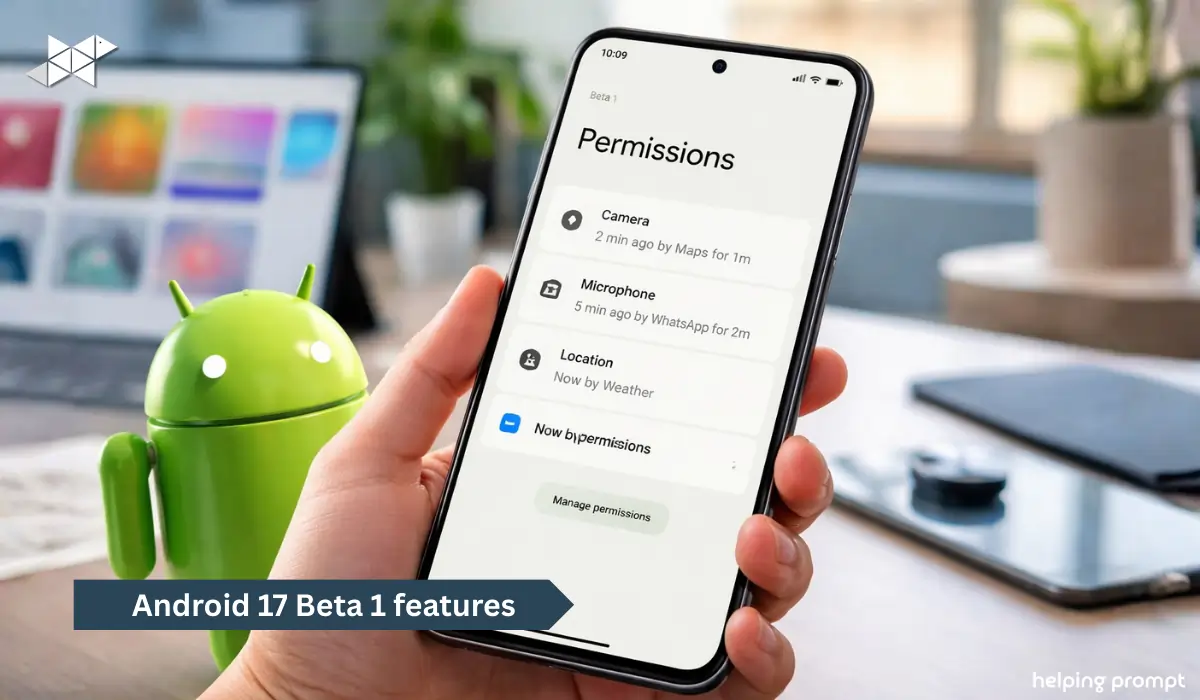
Now, Android 17 shows live permission indicators in a more detailed way. You can see:
- Which app accessed your camera or mic
- How long it used the permission
- Whether it accessed location in the background
Even better, you can revoke access instantly from the notification panel.
This matters if you install many apps from Play Store or sideload APKs.
Example:
If a flashlight app tries to access your location, Android 17 flags it faster.
That extra transparency builds trust.
Deeper AI Integration (On-Device Processing)
AI is no longer just inside apps.
Android 17 Beta 1 introduces:
- Smarter auto-reply suggestions
- Context-based app predictions
- AI-powered text rewriting inside the keyboard
And importantly, many of these features run on-device.
That means:
- Faster responses
- Better privacy
- Less data sent to cloud servers
For Indian users on mid-range devices, this could improve real-world performance.
However, not all devices may support full AI features yet. Support depends on chipset and RAM.

Performance & Battery Improvements
Android 17 Beta 1 feels smoother.
Animations are slightly refined. Scrolling feels more stable. Background apps are managed better.
You may notice:
- Faster app switching
- Reduced background drain
- Improved thermal management
If you are someone who edits videos, plays BGMI, or runs multiple apps, this is helpful.
Battery standby time also seems improved in early testing.
Better Large Screen & Foldable Support
Android 17 continues optimizing for:
- Foldable devices
- Tablets
- Split-screen multitasking
App resizing is smoother. Transition between folded and unfolded states feels more stable.
This is important because large-screen Android devices are growing in India.
UI Refinements (Small but Noticeable)
The design language remains familiar. However, subtle improvements make it cleaner.
- Notification shade spacing improved
- Lock screen customization expanded
- Font scaling more balanced
These changes may look minor. But together, they improve usability.

How to Install Android 17 Beta 1
If you want to try it:
- Visit Android Beta Program website
- Sign in with your Google account
- Enroll your supported device
- Go to Settings → System → Software Update
Important: Beta versions may contain bugs. Avoid installing on your primary work phone.
Should You Install It?
Install if:
- You like testing new features
- You create tech content
- You want early access to AI features
Avoid if:
- You rely on banking apps daily
- Your phone is your only device
- You prefer stable builds
Android 17 stable version will likely roll out later this year.

Why This Update Matters
Android updates often feel incremental.
However, Android 17 Beta 1 shows a shift toward:
- Privacy-first design
- On-device AI processing
- Smoother daily experience
For Indian mobile users, especially mid-range device owners, these optimizations matter more than flashy features.
And interestingly, Google seems focused on stability this time.
That may signal fewer surprises in the final build.
Final Thoughts
Android 17 Beta 1 brings meaningful improvements without overcomplicating things.
If Google maintains this direction, the final release could be one of the most balanced Android updates in recent years.
Now the real question is – will your device support all AI features?







Leave a Reply