
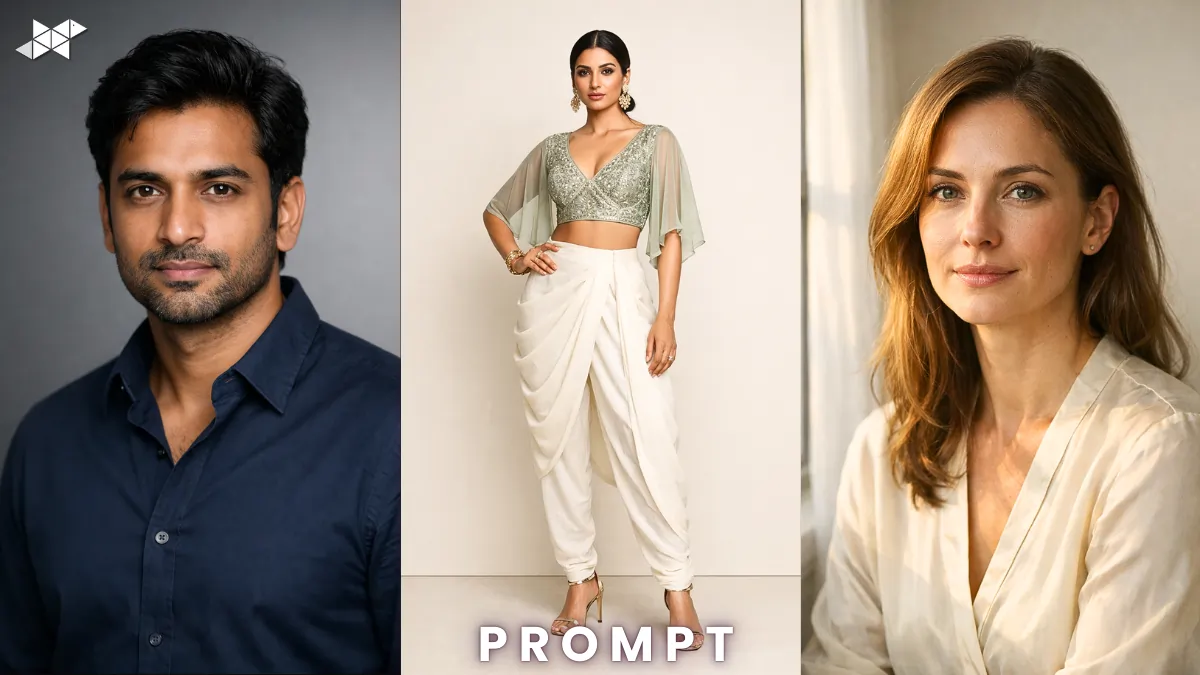
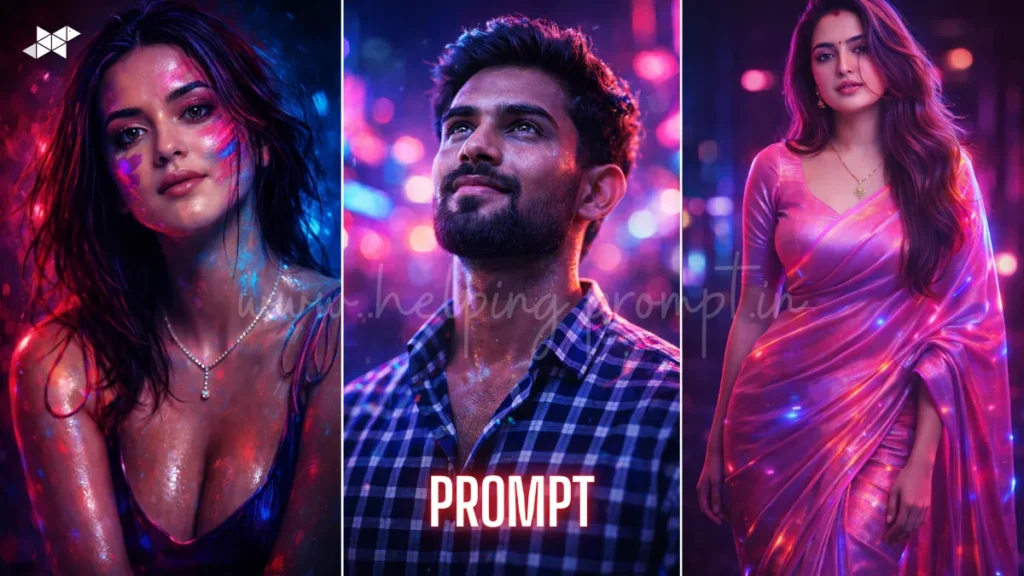
AI photography is trending across Instagram and digital art platforms. Creators now use Studio-Quality Indian Portraits Prompt to produce cinematic Indian portraits instantly. Tools like ChatGPT, Midjourney, Gemini, Leonardo AI, DALL·E, Ideogram AI, and Krea AI generate DSLR-style portraits within seconds. Use these prompts to create stunning studio-quality images effortlessly.
Classic Studio Look:
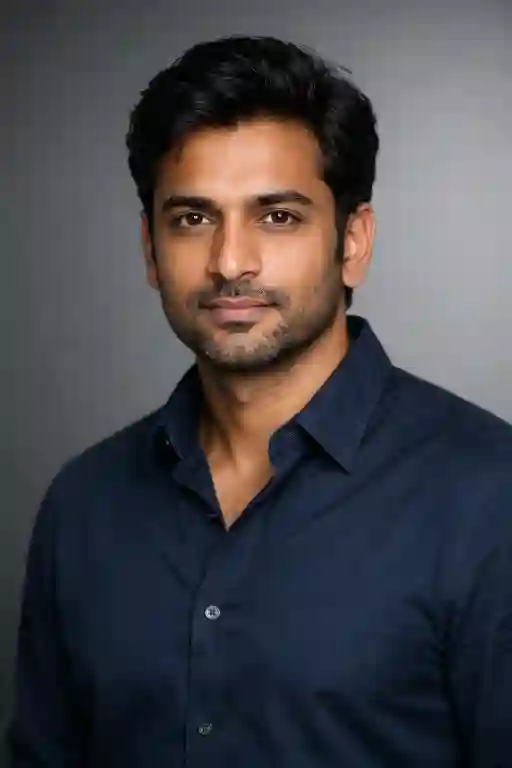
"Waist-up portrait of an Indian man, neutral grey backdrop, soft diffused lighting from one side, sharp focus on eyes, relaxed shoulders, premium studio finish."
Natural Window Light Portrait:
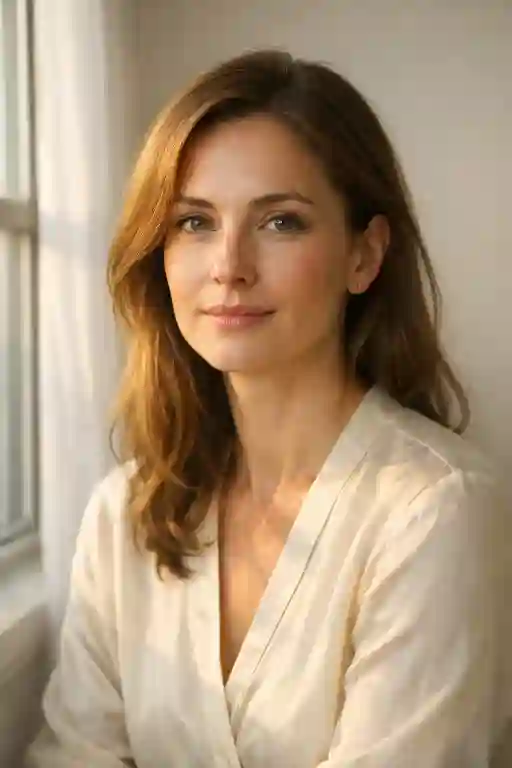
"Indoor portrait near a large window, warm daylight falling on face, subtle shadows, minimal background, calm expression, realistic skin texture, elegant framing."
Modern Editorial Portrait:
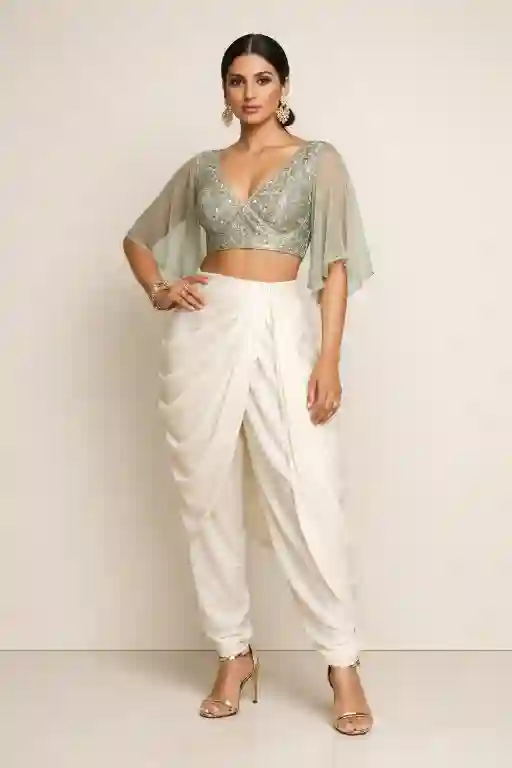
"Full-body portrait against a plain beige wall, balanced studio lighting, confident stance, contemporary Indian outfit, clean composition, high-end magazine style."
Quick Settings Guide :
- Aspect Ratio: 4:5 or 3:4
- Stylize Level: Medium to High
- Quality: High / 2x / 8K render
- Negative Prompts: blurry, distorted face, extra fingers, low resolution, bad lighting
Pro Tips
- Use 85mm lens prompts for realistic portrait compression.
- Add studio lighting keywords for professional results.
- Include fabric texture and skin detail for higher realism.
Conclusion :
AI portrait creation is easier than ever. Experiment with these Studio-Quality Indian Portraits prompts to generate cinematic visuals instantly. Start creating stunning portraits and elevate your creative projects today.
FAQs
AI portrait prompts are text instructions used to generate realistic portraits using AI tools like Midjourney, Stable Diffusion, or Leonardo AI.
Popular tools include Midjourney, Leonardo AI, Stable Diffusion, and DALL·E for generating high-quality AI portraits.
Yes, with the right prompts, AI can generate highly realistic Indian portraits with natural skin tones, lighting, and studio-style backgrounds.



Leave a Reply