
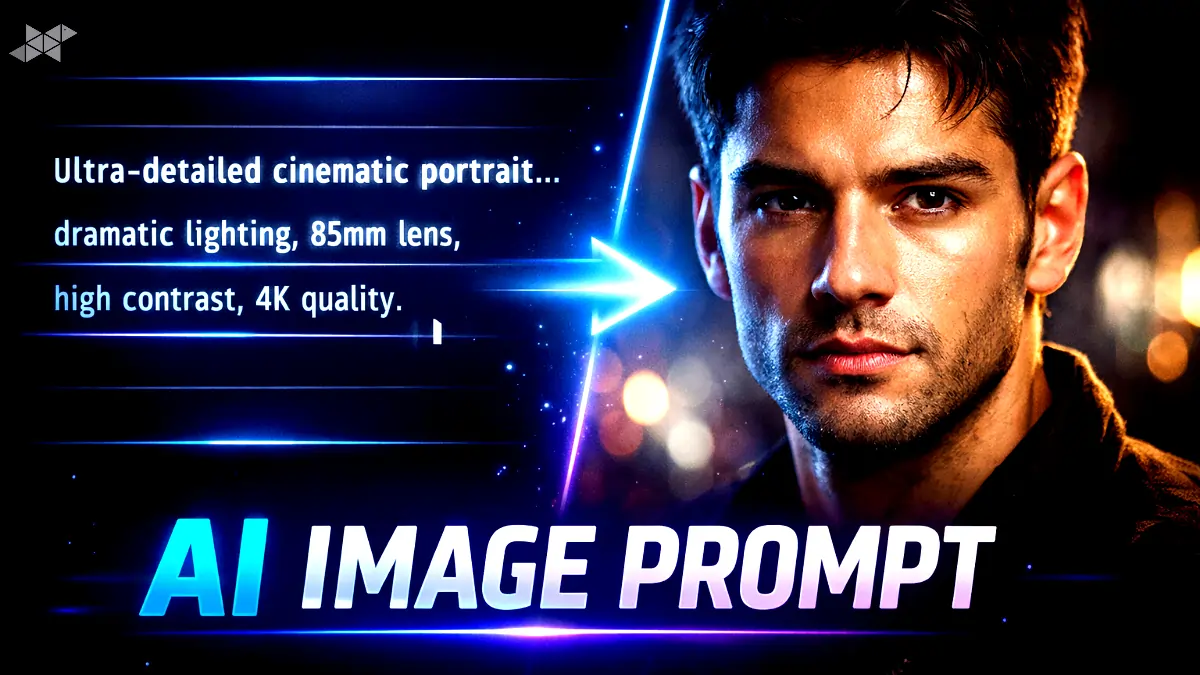
If you’ve ever typed an AI image prompt and felt the result was almost right but not quite there, you’re not alone. Writing a strong AI image prompt is part creativity, part clarity, and part understanding how image models “think.” In this guide, I’ll break it down like a real prompt engineer would-simple, practical, and usable right away. We’ll focus on AI image prompt techniques that work across tools, not theory that sounds fancy but helps no one.
AI Image Prompt Basics That Control Style, Mood, and Detail
A good AI image prompt starts with intent. Before typing anything, decide three things: subject, style, and outcome. Are you creating a YouTube thumbnail, a cinematic portrait, or a product mockup? Say it clearly. Avoid vague words like nice or cool. Instead, describe lighting, camera angle, and texture. This gives the model visual anchors. Think of it like briefing a photographer-more context, better results, fewer retries.
AI Image Prompt Structure Used by Professional Prompt Engineers
Most high-performing AI image prompts follow a clean structure:
Subject – Appearance – Environment – Lighting – Style – Quality cues.
This order helps the model prioritize correctly. You don’t need long paragraphs-just clear, layered instructions. Also, keep related details together. If lighting matters, describe it once, clearly. This approach reduces random artifacts and improves consistency across generations.
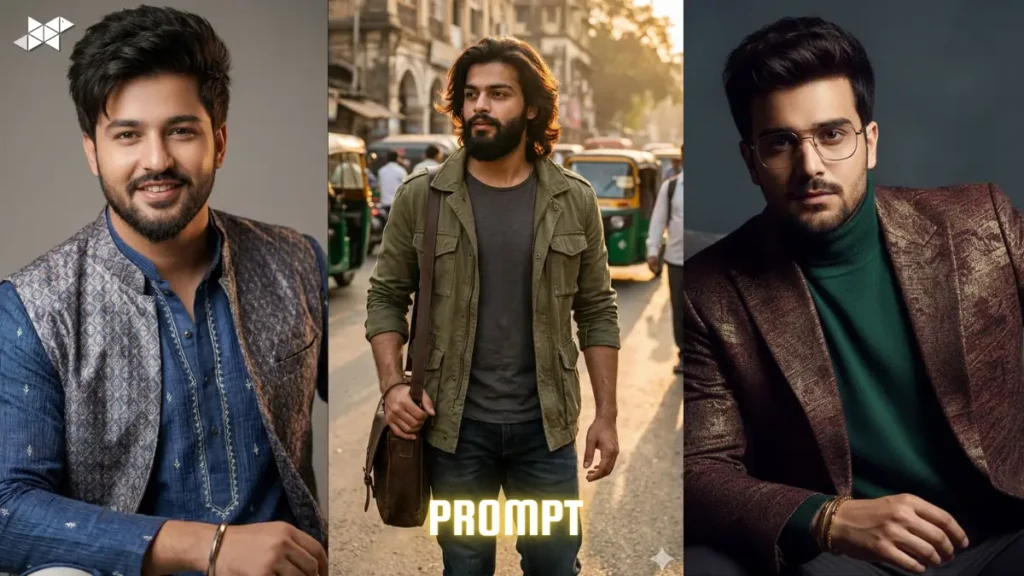
Best AI Image Prompt for Cinematic Portrait Creation
Ultra-detailed cinematic portrait of a young man, natural skin texture,
sharp facial features, confident expression, shallow depth of field.
Soft studio lighting with gentle rim light, neutral dark background.
Shot on a 85mm lens look, high contrast, realistic color grading,
professional photography style, 4K quality, clean and sharp.
Why it works: it locks identity, lighting, camera feel, and output quality without overloading the model.
Best AI Image Prompt for YouTube Thumbnail Images
High-impact YouTube thumbnail image of a tech creator,
bold facial expression, strong eye contact with camera.
Clean background with soft depth, vibrant but natural colors.
High contrast lighting, crisp edges, sharp focus at small sizes.
Professional, scroll-stopping composition, no blur, no noise.
This AI image prompt is optimized for visibility, not realism alone-important for thumbnails.
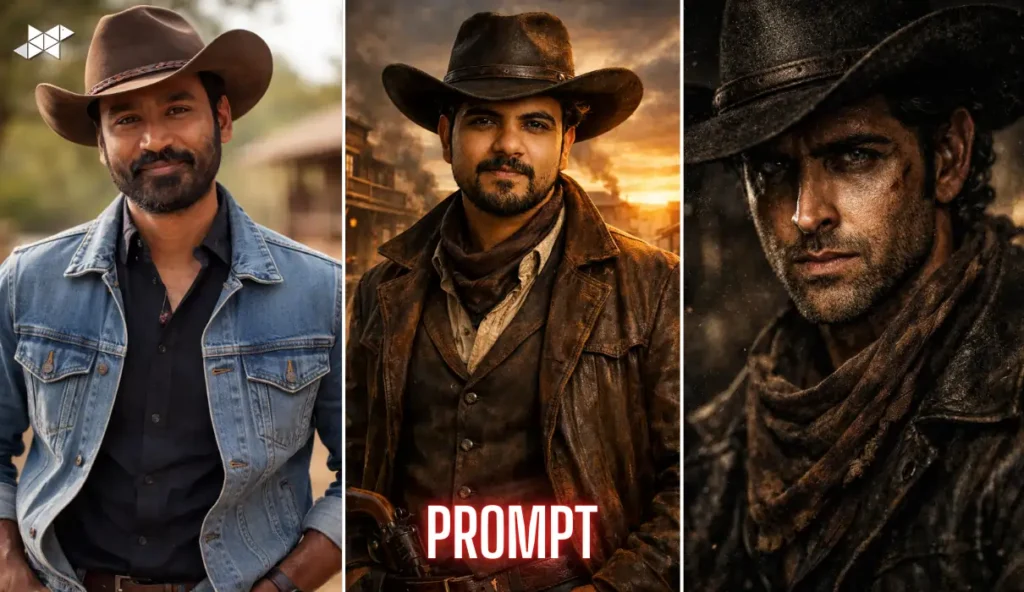
Best AI Image Prompt for Product or Fashion Visualization
Minimalist product-style image of a modern outfit on a model,
accurate fabric texture, natural folds and fit.
Soft daylight studio lighting, neutral background.
Realistic proportions, clean shadows, premium fashion editorial look,
high-resolution, no distortion, no artificial shine.
AI Image Prompt Mistakes That Reduce Image Quality
One common mistake in an AI image prompt is stacking conflicting styles-like “hyper-realistic cartoon photo.” Another is overusing buzzwords without context. If you want realism, explain how: lighting, lens, texture. If you want illustration, say the medium. Fewer contradictions = cleaner results. Also, don’t repeat the same idea five times; models don’t need reminders, they need direction.
AI Image Prompt Tips for Consistent Results Across Tools
Consistency comes from reusable prompt frameworks. Save your best-performing AI image prompt templates and tweak only the subject. Keep quality tags, lighting style, and composition stable. This is how creators get recognizable visuals across posts, thumbnails, or campaigns-without guessing every time.







Leave a Reply