
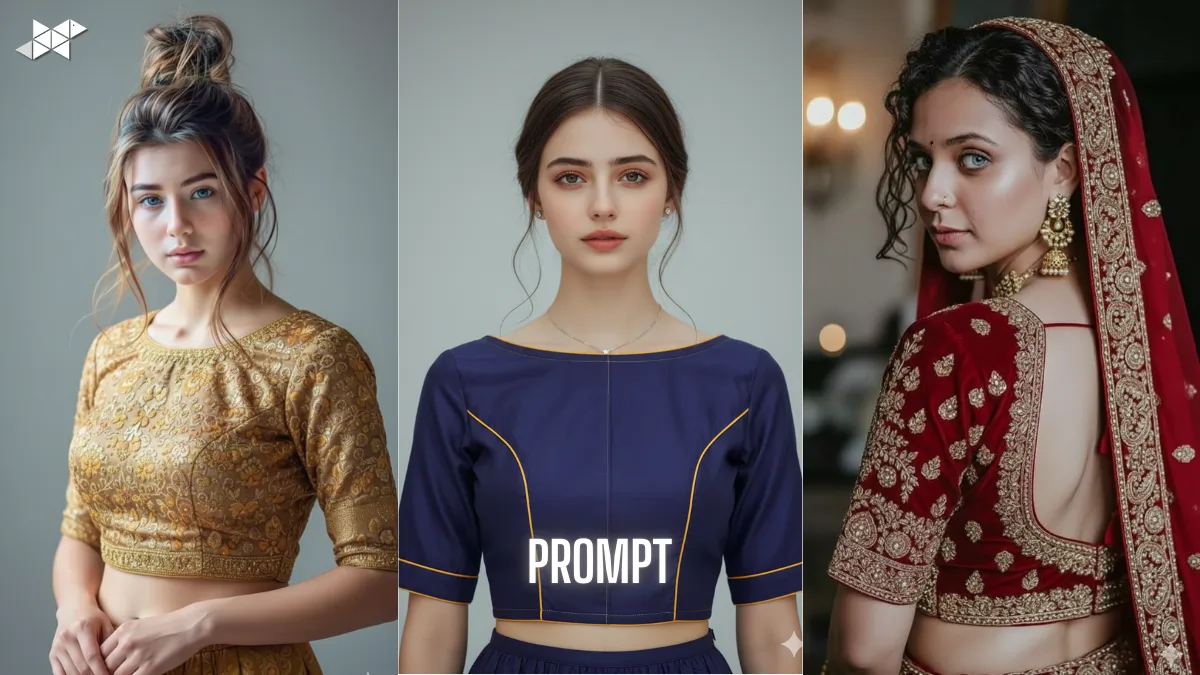
Designing blouse images that actually look real is harder than it sounds. Many tools create awkward faces, poor fits, or dull fabrics. That’s where AI blouses Photo Maker prompts make a real difference.
With the right face copy-paste prompt, even Gemini Ai can generate clean, wearable blouse visuals. So instead of trial and error, you get usable results faster and with less frustration.
(Copy-paste ready, tested with Gemini Ai)
1) Prompt:
“Create a high-resolution image of an Indian female model wearing a traditional silk blouse with elbow-length sleeves and detailed zari embroidery. Use the provided reference face and seamlessly copy-paste it onto the model, matching skin tone, facial proportions, lighting, and shadows. Ensure the blouse fits naturally around shoulders and bust, with realistic fabric folds, studio lighting, neutral background, and no facial distortion.”
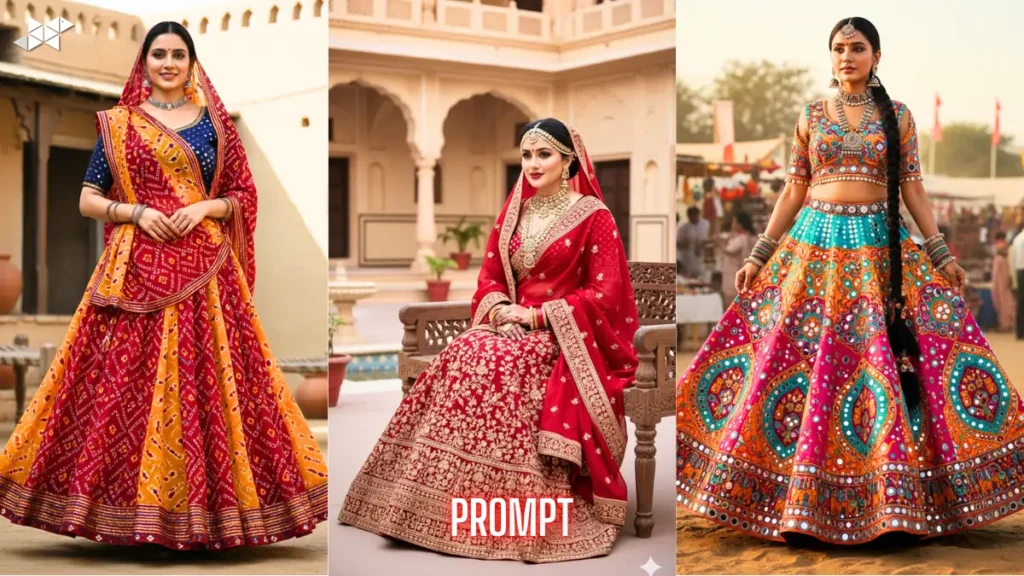
2) Prompt:
“Generate a realistic blouse design image using the uploaded face as the exact facial reference. The model should wear a modern boat-neck blouse with contrast piping and smooth cotton-silk fabric. Blend the face naturally with correct angles, expression, and lighting. Keep jewellery minimal, posture upright, background soft grey, and focus on accurate blouse stitching details.”
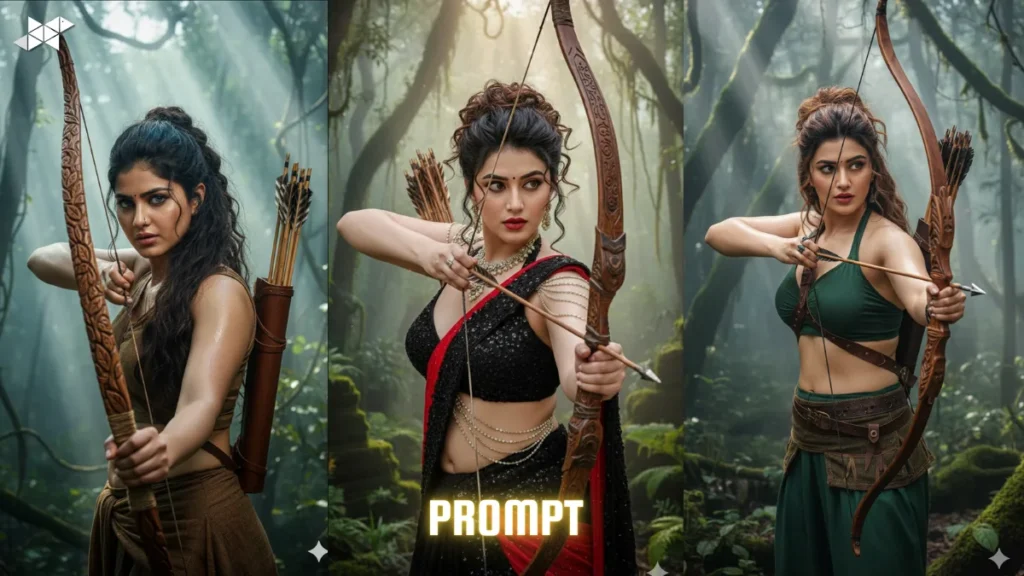
3) Prompt:
“Design a bridal blouse image featuring heavy embroidery, deep U-neck back design, and rich red velvet fabric. Copy-paste the reference face accurately, ensuring natural skin texture and colour consistency. Maintain Indian bridal styling, soft warm lighting, realistic fabric shine, and professional photoshoot quality without over-editing or artificial effects.”
4) Prompt:
“Create a clean studio image of a woman wearing a simple daily-wear blouse with short sleeves and round neckline. Use the given face reference and blend it perfectly with the body, keeping expressions natural. Maintain cotton fabric realism, minimal makeup, neutral background, and balanced lighting suitable for online product listings.”.
5) Prompt:
“Generate a fashionable blouse design image with puff sleeves and a square neckline using pastel shades. Copy-paste the provided face accurately with correct alignment, shadows, and lighting. Ensure the blouse texture looks soft and wearable, the pose feels natural, and the overall image matches Indian fashion photography standards.”
Why Face Copy-Paste Matters in Blouse Images
Blouse designs sell emotion, not just fabric. However, a mismatched face instantly breaks trust.
That’s why face copy-paste prompts help maintain realism. Moreover, they keep skin tone, lighting, and expression consistent across designs.
How AI Blouse Prompts Improve Visual Accuracy
Generic prompts confuse AI models. In contrast, detailed instructions guide structure and texture better.
As a result, neckline shape, sleeve length, and embroidery placement look more natural and wearable.
Best Use Cases for AI Blouses Photo Maker
These prompts work well for boutique previews, Instagram catalogues, and client mockups.
Additionally, they save time for tailors and designers who need visuals before stitching begins.AI Blouses Photo Maker – Face Copy-Paste Prompts
Quick Tips for Better Results
- Always upload a clear, front-facing face image for accuracy
- Mention fabric type to improve texture realism
- Use lighting instructions to avoid harsh shadows
- Keep backgrounds simple for catalogue-ready images
- Avoid too many design elements in one prompt
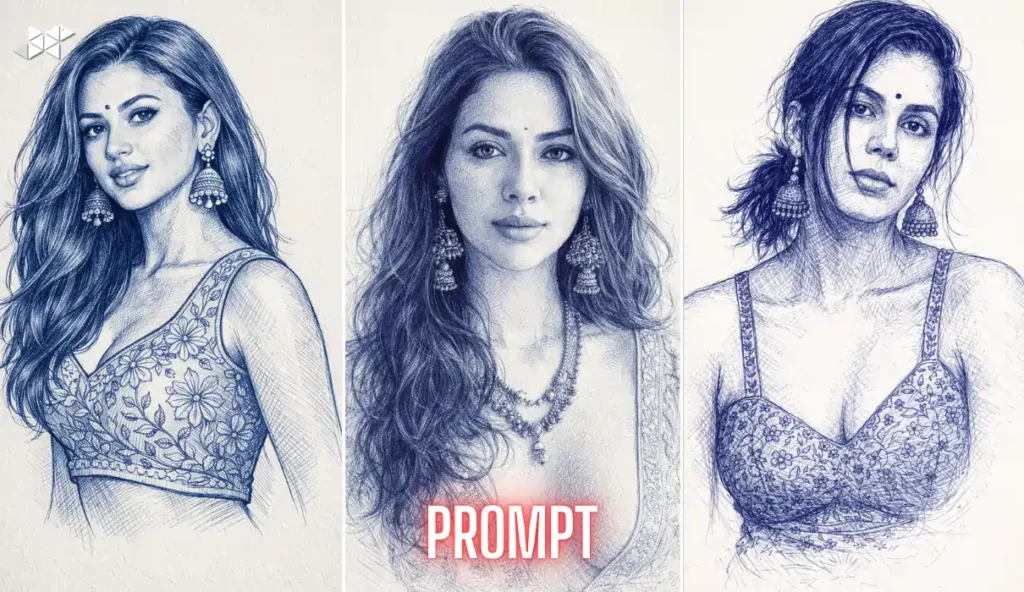
Clear prompts bring consistent results.
With structured face copy-paste instructions, AI blouse images become practical, not experimental.


Leave a Reply