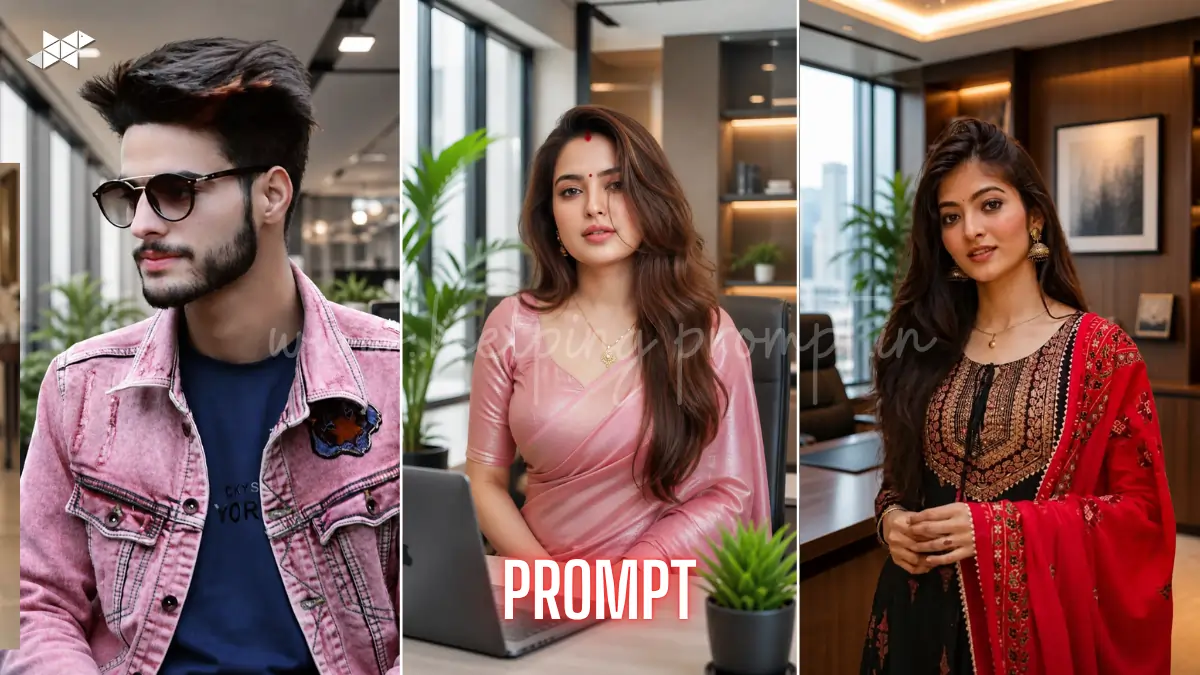
AI Background Replacement Prompts: How to Create a Modern Office Look?
AI photo editing is exploding in 2026 trends.
Creators now demand hyper-realistic edits instantly.
AI Background Replacement Prompts makes dull photos look premium.
Try tools like ChatGPT, Midjourney, Photoshop, Remove.bg, and Canva.
AI Background Replacement Prompts
1 Prompt

"Replace background with a modern corporate office interior, large glass windows, soft daylight entering from left side, realistic shadows aligned with subject direction, neutral color palette, depth of field maintained, ultra-detailed textures, cinematic lighting balance, professional workspace vibe, seamless edge blending, high realism, Follow Trending Updates, Future Applicable, Follow Real Study Data"
2 Prompt
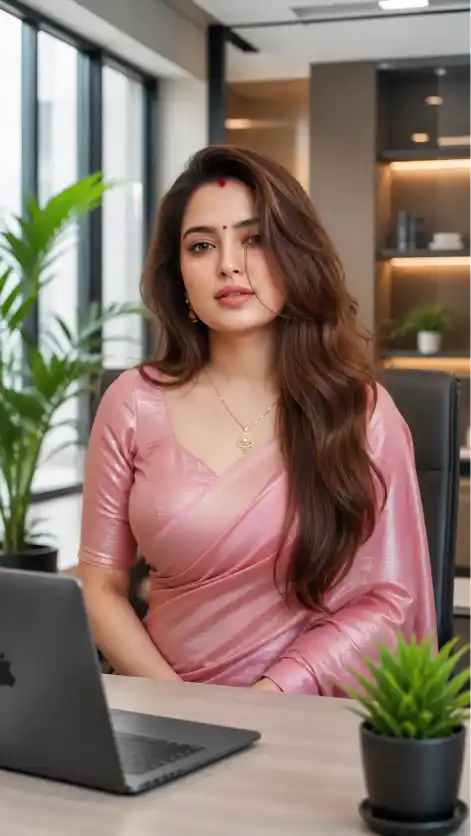
"Transform background into a luxury modern office workspace, minimal desk setup, laptop and indoor plants, soft natural daylight, accurate shadow casting matching subject posture, photorealistic lighting integration, subtle reflections, HDR clarity, clean corporate environment, high-end aesthetic, ultra realistic composition, Follow Trending Updates, Future Applicable, Follow Real Study Data"
3 Prompt
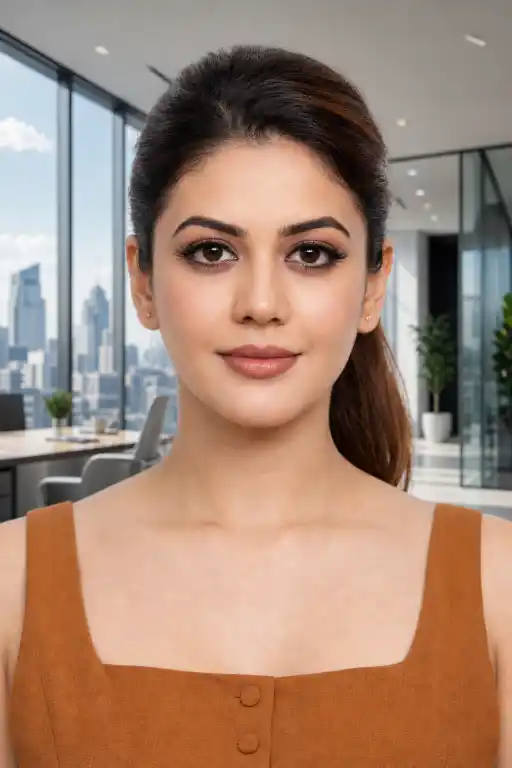
"Change background to a bright contemporary office with panoramic city view, daylight ambiance, realistic sunlight direction matching face highlights, shadow softness adjusted naturally, glass reflections and ambient occlusion included, professional tone, ultra HD details, seamless blending, editorial style photography, Follow Trending Updates, Future Applicable, Follow Real Study Data"
4 Prompt

"Replace image background with a startup-style modern office, open workspace, warm soft daylight mixed with cool ambient light, accurate shadow mapping on subject, realistic depth and perspective alignment, slight motion blur background, natural skin tone preservation, cinematic realism, 4K clarity, Follow Trending Updates, Future Applicable, Follow Real Study Data"
5 Prompt

"Convert background into a premium executive office, wooden textures, large windows, soft daylight diffusion, precise shadow matching with subject angle, realistic reflections on surfaces, high contrast yet natural tones, ultra-detailed environment, professional portrait enhancement, seamless integration, Follow Trending Updates, Future Applicable, Follow Real Study Data"
How To
- How to start AI background replacement?
Upload your image into an AI background replacement tool and remove the existing background.
- How to match lighting in AI background replacement?
Adjust brightness, shadows, and color temperature to align with the new background.
- How to export final AI background replacement image?
Export in high resolution and check edges for clean blending in AI background replacement.
Quick Settings Guide
- Use AI Background Replacement Prompts with soft daylight setting
- Match shadow direction manually for realism
- Keep blur at 10–20% for depth effect
- Adjust white balance to natural tones
- Export in high resolution (4K preferred)
Pro Tips
- Always match light source direction
- Use subtle blur for background depth
- Avoid over-sharpening edges
Conclusion
AI editing is no longer optional; it’s becoming essential for creators who want professional-looking visuals instantly. With AI background replacement, you can transform any ordinary image into a premium office scene that looks authentic and visually appealing.
The key lies in maintaining lighting consistency, realistic shadows, and proper depth so the edit feels natural rather than artificial. As tools evolve rapidly, experimenting with different prompts and settings will help you discover unique styles that match your personal or brand identity. Start testing these prompts today, refine your workflow, and create visuals that stand out in crowded feeds. The future of image editing is fast, intelligent, and incredibly powerful—so use it wisely and creatively.
FAQs
AI background replacement changes image backgrounds automatically while keeping lighting realistic.
Match shadows, lighting direction, and color tones carefully in AI background replacement.
Tools like Photoshop and Canva work best.