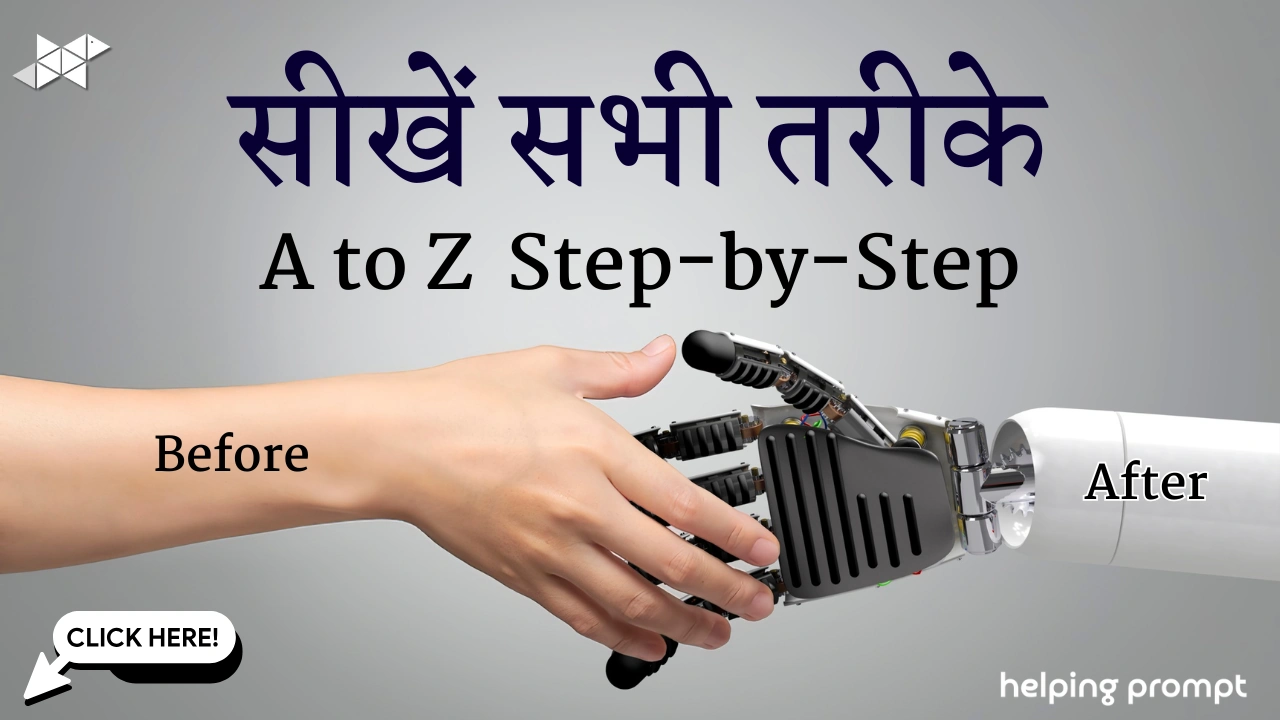
Ye method aap poster, birthday design, fashion photo, reel thumbnail, ya branding image ke liye use kar sakte ho.
STEP 1: Sahi Reference Image Choose Karo
Sabse pehle input image strong honi chahiye.
✔ Face clearly visible ho
✔ Lighting theek ho
✔ Front ya thoda sa side angle ho
✔ Blur, heavy filter na ho
👉 Weak photo = weak AI output.
STEP 2: Image Upload Karo
- AI image tool open karo
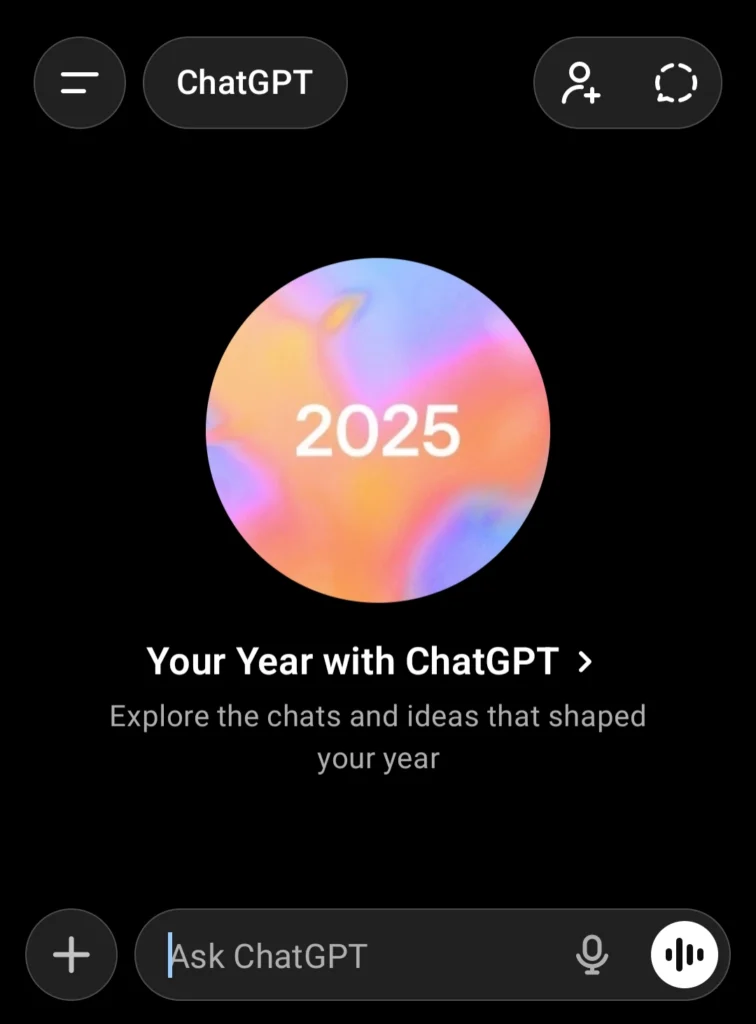
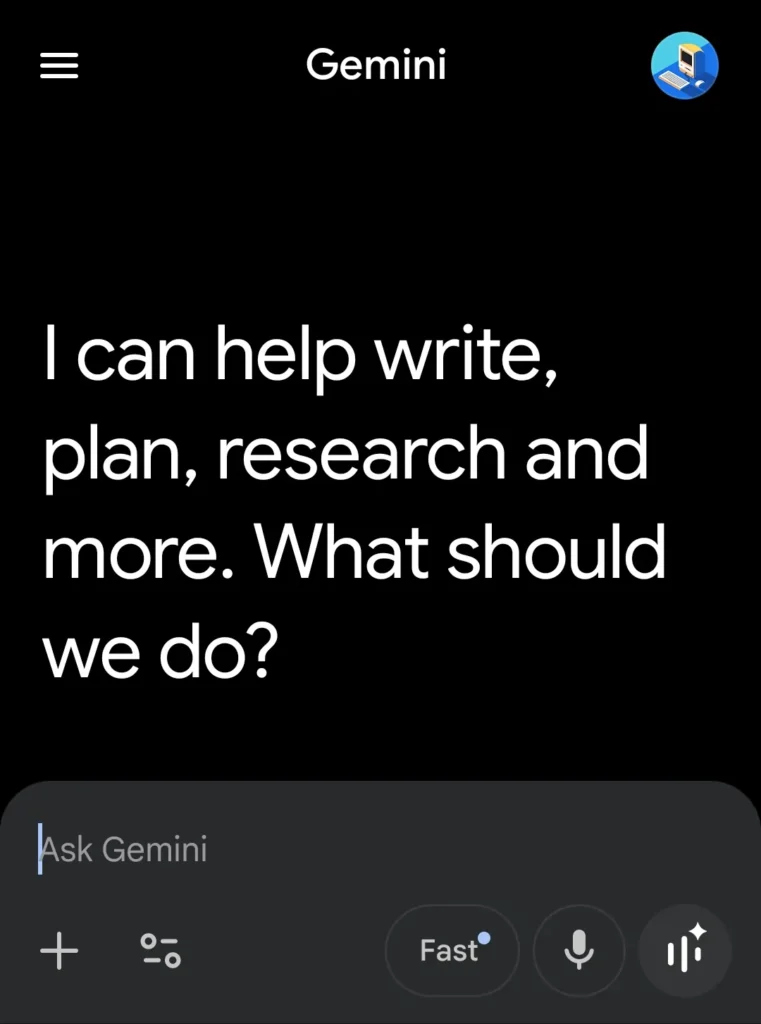
- ChatGPT yaa Gemini ya aur koi AI Tools jisme aap image upload karne ke liye + Sign pe click karke image Upload karen
- Upload Image / Add Reference Image pe click karo
- Sirf ek image upload karo (beginners ke liye best)
⚠️ Avoid karo:
- Collage
- Group photo
- Screenshot with text
STEP 3: Full Sample Prompt (Copy–Paste)
STEP 4: Prompt copy karke (Ask Gemini / Ask ChatGPT) ki jagah par paste karen
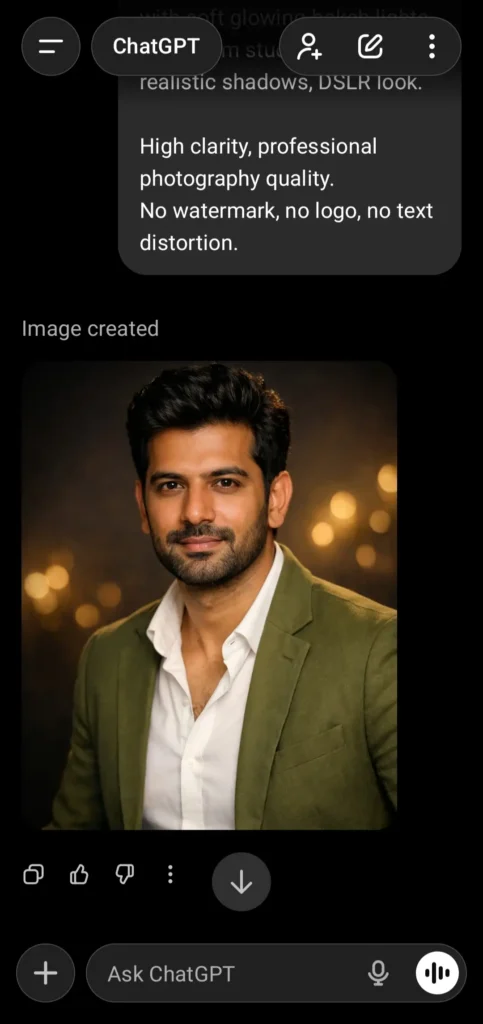
STEP 5: Generate Karo- Check Karo- Improve Karo
Image generate hone ke baad check karo:
- Face same hai?
- Lighting sahi lag rahi hai?
- Outfit match kar raha hai?
Agar nahi:
- Sirf ek cheez change karo
- Dubara generate karo
Ye hi pro workflow hai.
Common Beginner Mistakes (Inse Bacho)
❌ Sirf 1-2 line ka prompt
❌ “Preserve face” na likhna
❌ Zyada styles mix karna
❌ Lighting skip karna
❌ “No watermark” bhool jana
Image Save Karen
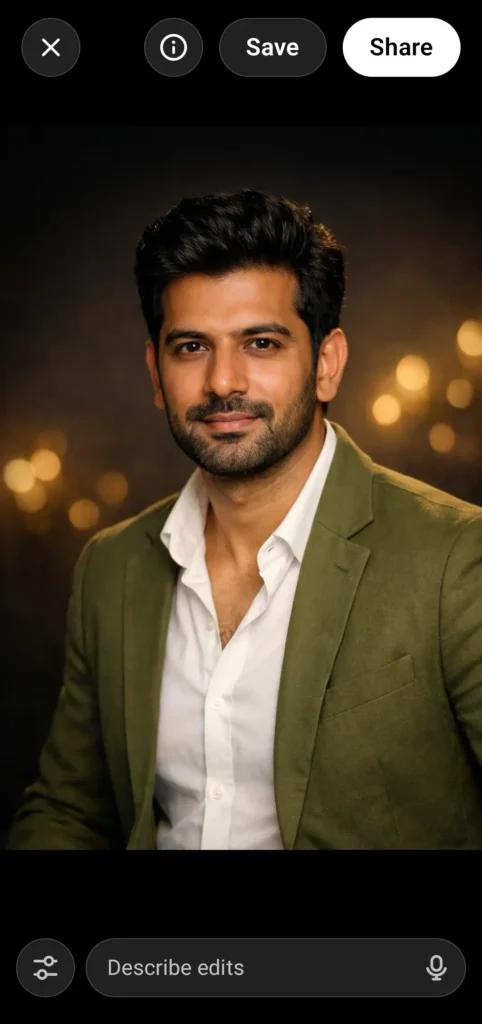
Final Samjho Ye Line
Prompt likhna matlab AI ko clear instructions dena, kahani likhna nahi.
Jitna clear likhoge, utni badiya image milegi.
![Hyper-Realistic Diorama Poster of [City] Goes Viral: A City Cut Out Like Earth’s Puzzle Piece](https://helpingprompt.in/wp-content/uploads/2026/01/helpingprompt.in-27-300x169.webp)
Leave a Reply