
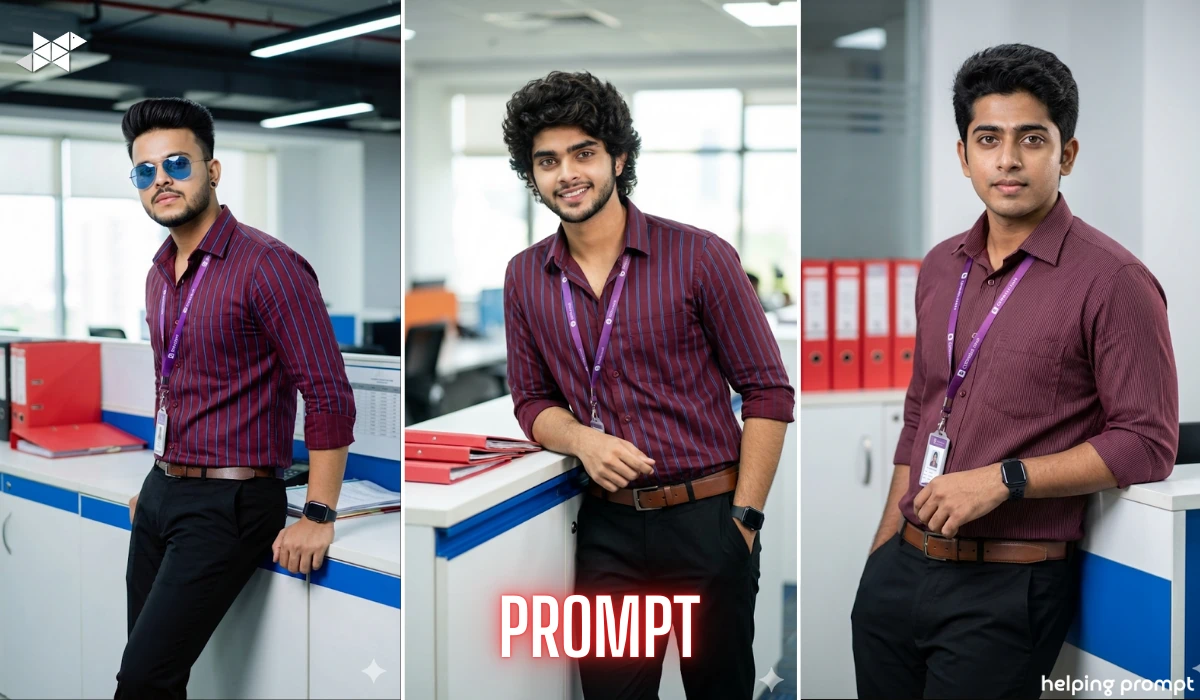
I recently tested a hyper-realistic office portrait prompt that genuinely surprised me. The level of detailing, the lighting control, even the fabric texture – everything felt close to a real DSLR shoot.
If you are someone who wants professional, corporate-style portraits using AI – but without losing your real face identity – this prompt structure can help you achieve that polished 8K office look.
Why This Portrait Style Works So Well
Corporate portraits often fail because they look artificial. Either the skin becomes too smooth, or the lighting looks flat. But this particular prompt structure solves that problem by focusing on:
- Natural skin texture
- Professional office lighting
- Specific lens details (85mm, f/1.8)
- Sharp focus with cinematic depth
- Ultra-detailed fabric textures
Key Visual Elements in This Prompt
To make the portrait feel realistic and professional, the prompt carefully includes:
- Young stylish man
- Natural skin (no plastic smoothing)
- Purple color ID lanyard
- Polished maroon shirt with thin blue vertical stripes
- Black trousers
- Leather belt
- Black Apple Watch
- One hand leaning against white office counter
- Blue trim counter design
- Red folders placed nearby
Camera & Lighting Specifications Matter
Mentioning 85mm lens, f/1.8 aperture gives:
- Background blur (natural bokeh)
- Face sharpness
- Cinematic framing
- Depth separation
“Professional office lighting” ensures:
- No harsh shadows
- Even skin tone
- Clean corporate mood
Multiple Optimized Portrait Prompts

1) Prompt:
“8K DSLR hyper-realistic professional office portrait of a young stylish man identical to uploaded photo, natural skin texture, wearing polished maroon shirt with thin blue vertical stripes, black trousers, leather belt, black Apple Watch, purple ID lanyard, leaning casually with one hand on white office counter with blue trim, red folders nearby, corporate environment, professional office lighting, 85mm lens, f/1.8, sharp focus, cinematic depth, vibrant colors, ultra-detailed textures, maintain exact facial identity, no face change”

2) Prompt:
“Prompt: 8K DSLR hyper-realistic portrait of a young stylish man identical to photo with natural skin, purple color ID lanyard, wearing a polished maroon shirt with vertical thin blue stripes in, black trousers, leather belt, black Apple watch. Leaning by one hand against white office counter with blue trim red folders nearby. Professional office lighting, 85mm lens, f/1.8, sharp focus, cinematic, vibrant, ultra-detailed textures. Keep the face same as the uploaded photo”
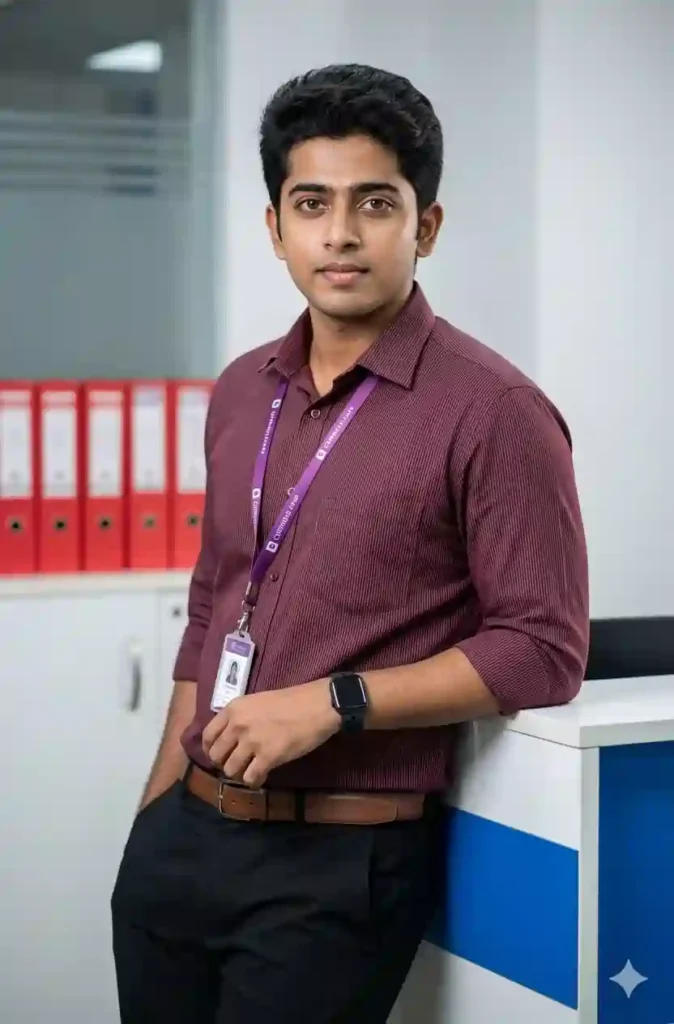
3) Prompt:
“Cinematic 8K HD office portrait of young man, identical facial features as reference photo, realistic skin details, polished maroon striped shirt, black pants, leather belt, Apple Watch, purple lanyard, leaning against white and blue office counter, red files in background, studio-grade office lighting, DSLR 85mm lens, f/1.8 aperture, ultra-sharp focus, high dynamic range, professional corporate style”
Who Should Use This Prompt?
- LinkedIn profile photo creators
- Corporate branding professionals
- AI portrait designers
- Social media personal branding users
- Office-themed photoshoot simulation
Common Mistakes to Avoid
- Avoid overusing “ultra smooth skin”
- Don’t forget lens and aperture details
- Always mention “same face as uploaded photo”
- Keep background simple but descriptive
- Add texture keywords for realism
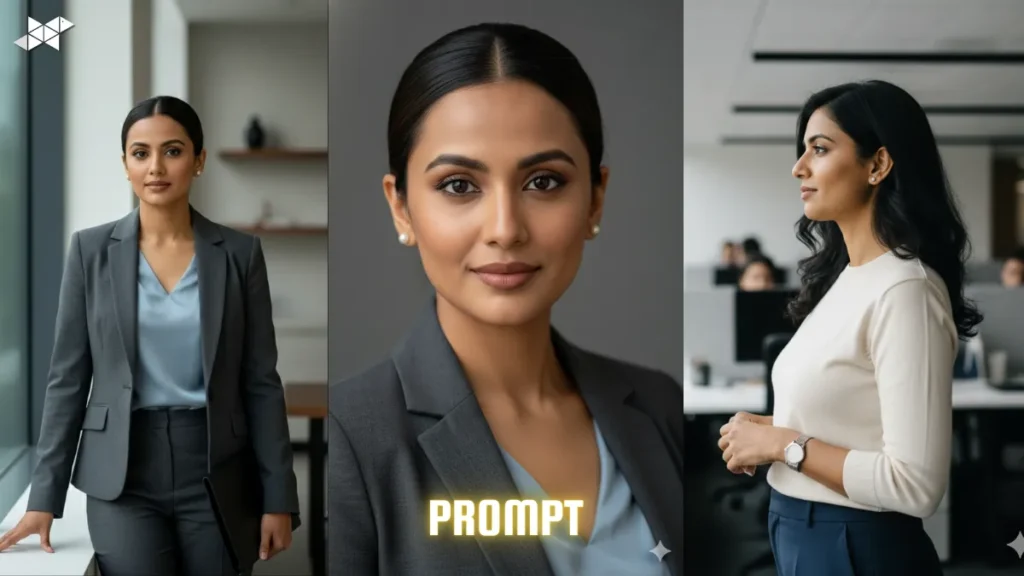
A well-structured DSLR-style office portrait prompt can dramatically improve AI image results. By carefully defining lighting, clothing, camera specs, and identity preservation, you can generate professional, hyper-realistic 8K portraits that actually look authentic – not artificial.







Leave a Reply