
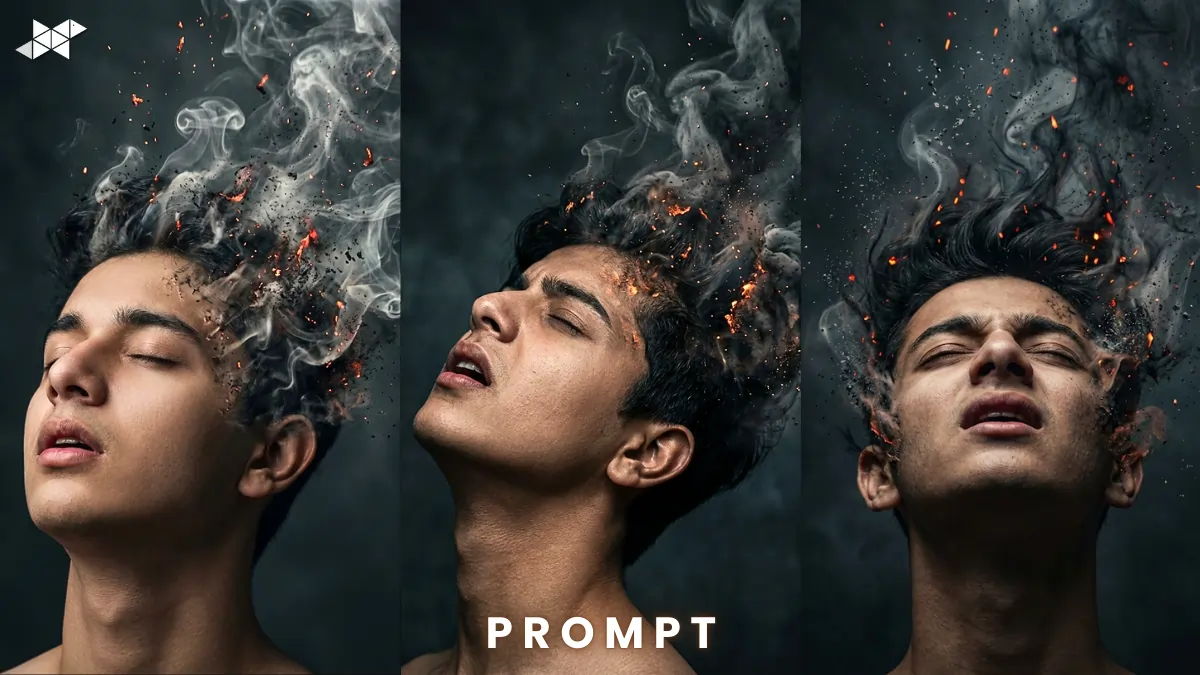
Want a jaw-dropping cinematic portrait where your face turns into smoke and ash – without changing a single facial detail?
This dramatic 8K smoke disintegration effect is trending across Instagram and AI art communities. With tools like Gemini and advanced AI image generators, you can now create a hyper-realistic 4:5 cinematic image that looks straight out of a movie poster.
Here’s how to do it properly – without ruining the face match.
How to Create a Photorealistic Smoke Disintegration Portrait:
This effect is powerful. However, it only works when the face remains 100% identical to the uploaded image. Most people fail here.
Let’s break it down properly.
1. Start With a High-Quality Reference
Upload a clear, front-facing image.
- Neutral lighting
- Sharp focus
- No heavy filters
- Minimal shadow on face
Because AI exaggerates details, a blurry photo will destroy realism.
2. Lock the Facial Identity (Most Important Step)
Your prompt must clearly say:
- “Face must exactly match reference image”
- “No changes to facial structure”
- “100% identical face”
Otherwise, AI may beautify or alter expressions automatically.
Consistency is everything.
3. Describe the Emotion Precisely
The emotion in this concept is not just pain — it’s agony mixed with transcendence.
Add details like:
- Head tilted back
- Eyes closed
- Mouth slightly open
- Expression intense but cinematic
This creates a storytelling frame instead of just a random smoke effect.
4. Focus on Organic Skin-to-Smoke Transition
This is where realism wins.
Instead of saying “turning into smoke,” specify:
- Thick rising smoke
- Ash particles
- Glowing embers
- Hair lifting and blending into smoke
- Smooth skin-to-smoke gradient
That transition makes the image feel alive.
5. Lighting Makes or Breaks the Effect
Use phrases like:
- Dramatic high-contrast lighting
- Dark moody background
- Cinematic shadows
- Hyper-realistic 8K detail
- Vertical 4:5 aspect ratio
Because lighting creates depth, the smoke will appear volumetric instead of flat.
Ultra Cinematic Smoke Rise:
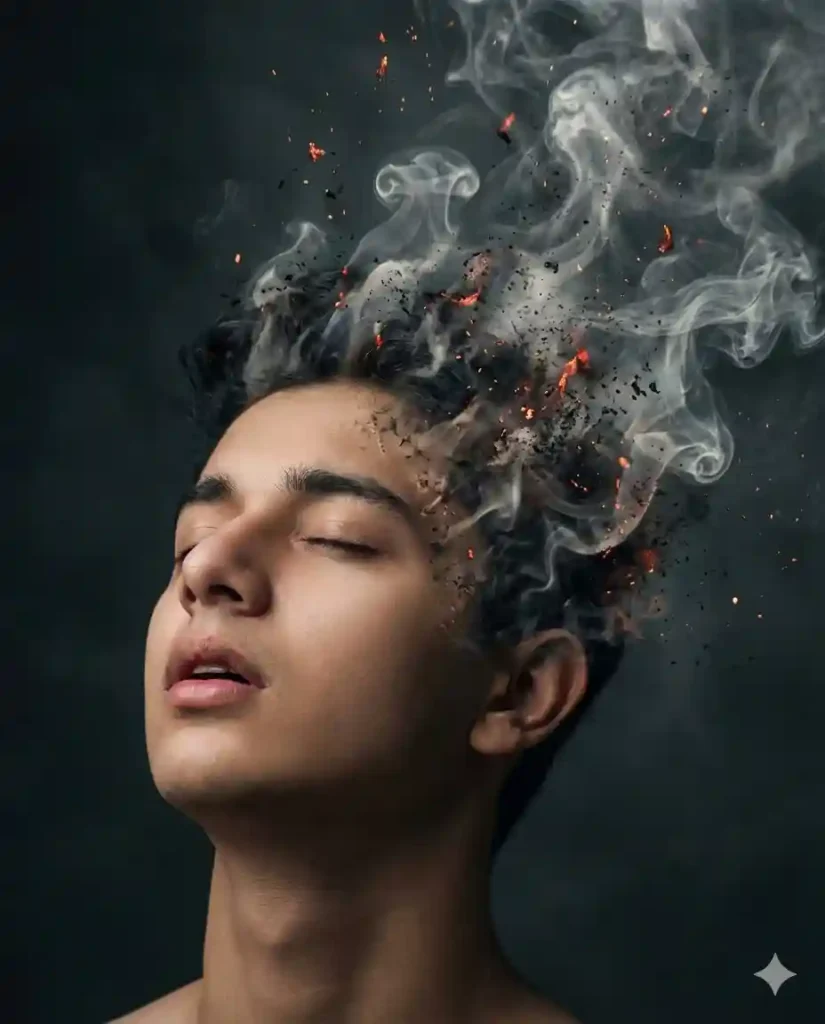
“Create a photorealistic 8K cinematic vertical 4:5 image of a man. Use the uploaded reference image and keep the face 100% identical with zero changes to facial structure, skin tone, or expression accuracy. Head tilted back, eyes closed, mouth slightly open expressing agony and transcendence. The upper head and hair organically disintegrating into thick rising smoke and ash. Smooth skin-to-smoke transition with floating embers and particles. Dramatic high-contrast lighting, dark moody background, hyper-realistic detail.”
Why it works: Strong identity lock + emotional detail.
Best for: Instagram post, cinematic DP, profile portrait.
Dark Ember Dissolve Effect:
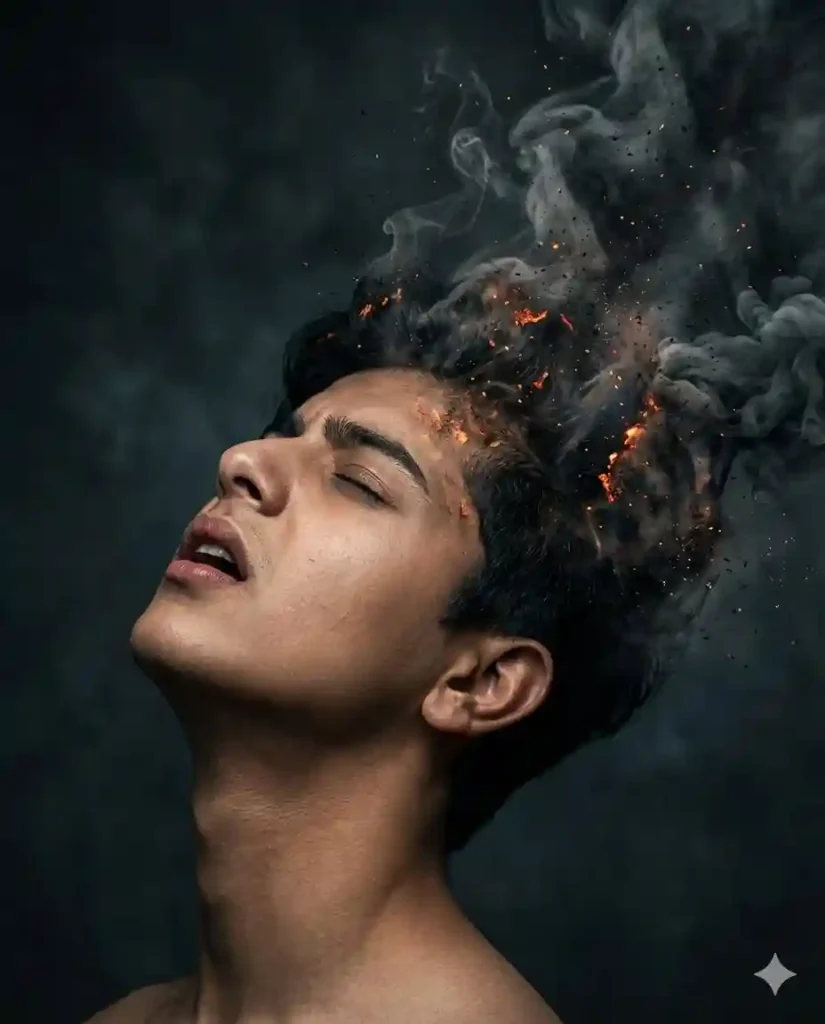
Prompt:
“Generate an ultra-detailed 8K cinematic portrait in 4:5 ratio using the uploaded photo. The face must exactly match the reference image (100% identical, no modification). The man’s head tilted upward, eyes closed, mouth slightly open in a moment of intense emotional release. Hair and upper skin gradually breaking into thick smoke, ash, and glowing embers. Organic blending from skin into particles. Deep shadows, dramatic rim lighting, dark atmospheric background, hyper-realistic textures.”
Why it works: Adds rim lighting for depth.
Best for: WhatsApp DP, story highlight, dramatic reel cover.
Hyper-Real Ash Transcendence:
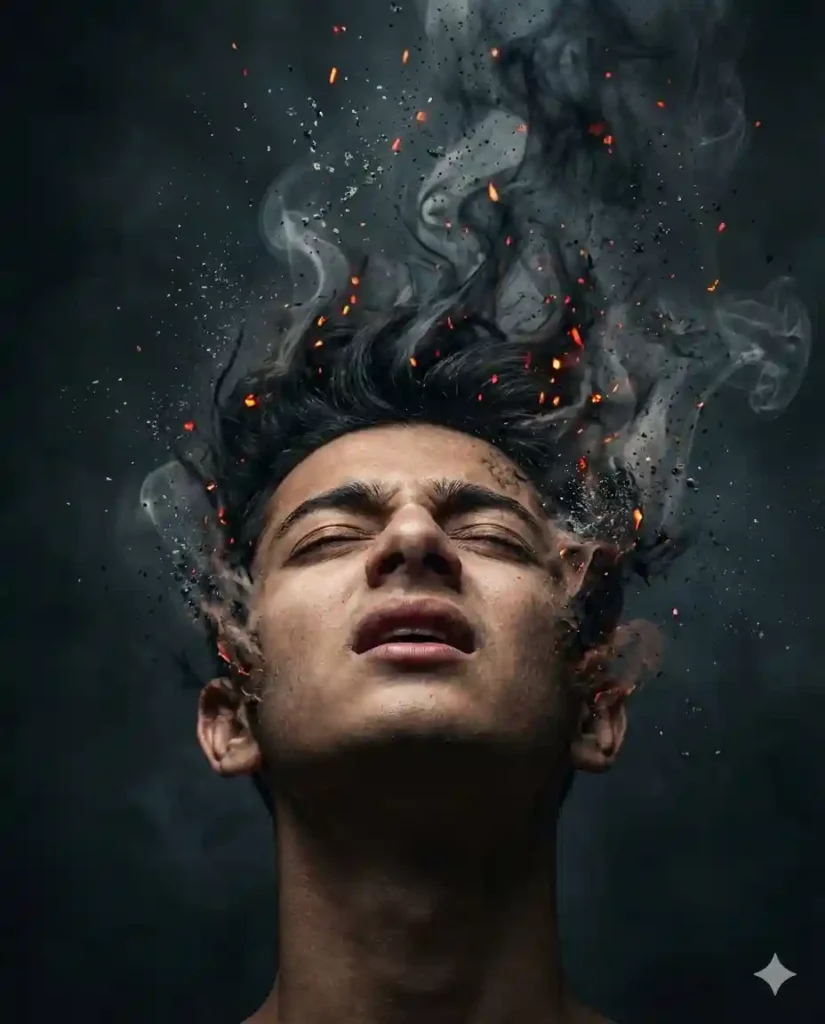
Prompt:
“Create a hyper-realistic 8K cinematic 4:5 vertical image of a man using the uploaded reference photo. Face must remain 100% identical without beautification or distortion. Head tilted backward, eyes closed, mouth slightly open showing agony and transcendence. Hair lifting upward transforming into thick smoke and fine ash particles. Glowing embers floating around. Seamless organic skin-to-smoke transition. High contrast lighting, volumetric shadows, dark cinematic background, ultra-detailed texture.”
Why it works: Focuses on texture realism.
Best for: Snapchat spotlight, AI art page, portfolio display.

QUICK TIPS FOR PERFECT RESULTS:
- Use a plain dark background in your original photo.
- Avoid smiling expressions in the reference image.
- Keep chin slightly raised for better smoke flow.
- Use side lighting for dramatic shadows.
- Always specify 4:5 aspect ratio for social media compatibility.
CONCLUSION:
A cinematic smoke disintegration portrait only works when realism meets precision.
Lock the face, control the lighting, and describe the transition clearly.
That’s how you create a truly viral 8K AI masterpiece.







Leave a Reply