
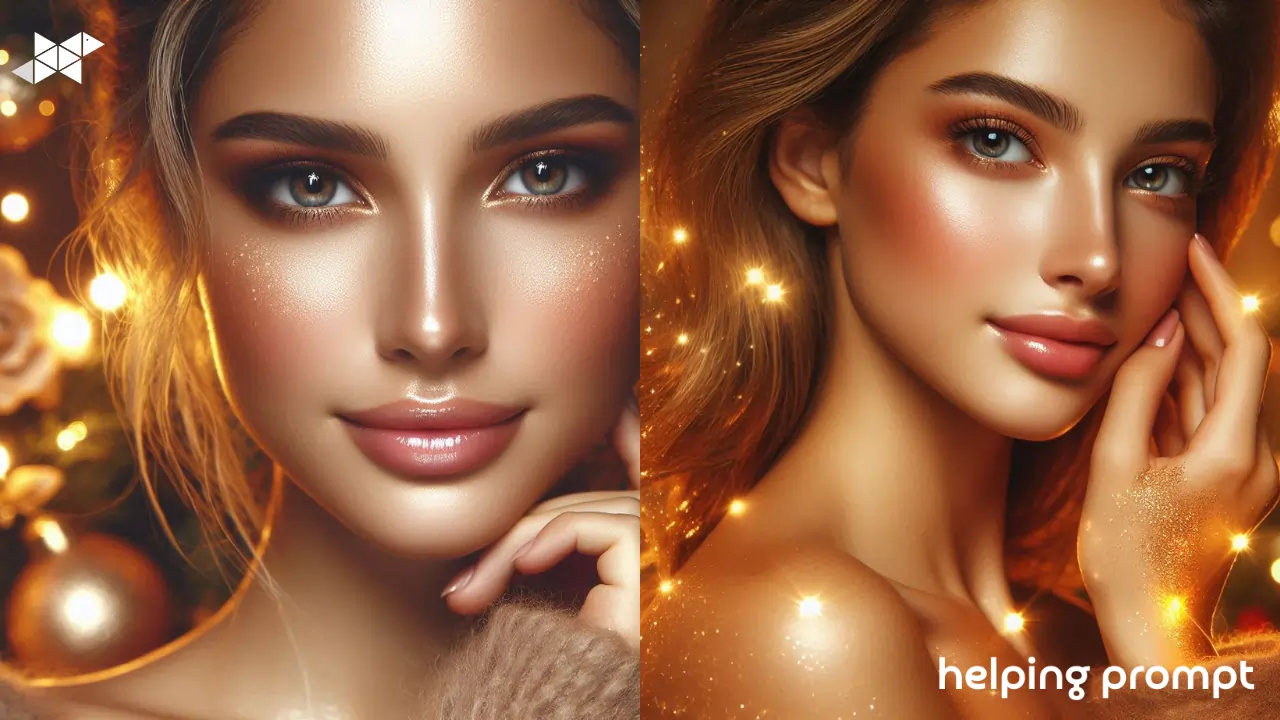
Holiday photos have their own vibe-warm lights, cozy moods, and that little extra sparkle that makes everything feel special. But sometimes the camera doesn’t quite capture the magic you felt in the moment. Maybe the lights look flat, or the colors feel dull, or the overall mood just isn’t “festive” enough.
That’s where AI prompts come in. A few well-crafted lines can turn an ordinary portrait into a glowing holiday moment. The best part? You don’t need editing experience. You just tell your AI tool what kind of festive energy you want, and it builds the magic for you.
How to Use It
Whether you’re using Midjourney, Adobe Firefly, Leonardo, or any AI app on your phone, the basic steps stay the same:
- Upload your photo – a portrait, a couple shot, or even a candid.
- Paste the prompt -below and personalize a word or two (lighting, outfit colors, background style) Generate and refine.
- Save your favorite version – and maybe run it once more for extra sparkle.
That’s honestly all it takes. AI handles the sparkles, glows, and festive filters automatically.
Even though the title says five prompts, here are the three best, simplest, and most reliable ones you can use for stunning holiday portraits.
1. Warm Festive Glow + Soft Sparkle Highlights
Add a warm festive glow around the subject with soft golden sparkles. Enhance skin tones, brighten eyes, and add gentle background lights inspired by holiday decorations. Keep everything natural and warm without over-editing.
2. Cozy Holiday Bokeh + Enhanced Portrait Depth
Create a holiday portrait with rich red-and-gold bokeh lights, soft depth, and crisp facial clarity. Add subtle shine on hair and warm ambient tones. Keep the background dreamy and festive while maintaining natural skin texture.
3. Frosty Christmas Shine + Snowflake Light Effects
Add a cool festive filter with tiny snowflake sparkles and frosty edges. Keep the subject sharp, eyes bright, and lighting balanced. Add a soft bluish holiday glow while preserving realistic skin and natural warmth.
Takeaway
You don’t need complicated editing skills to make your holiday portraits feel alive. A little glow, a touch of sparkle, and some gentle bokeh is often all it takes. Play around with these prompts, mix in your own style, and you’ll have festive photos that look like they belong on a holiday card.







Leave a Reply