
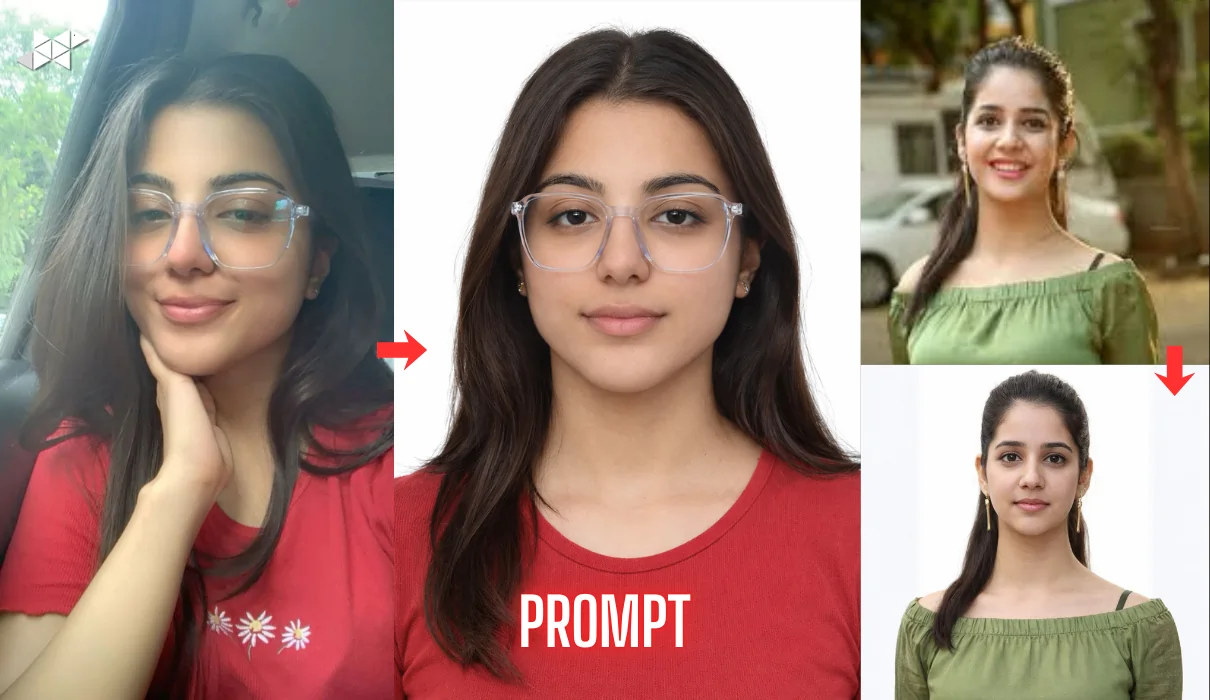
Passport photos look simple, but getting them right is surprisingly tricky.
The background turns grey, shadows appear, and the face looks dull or over-sharp.
That’s why AI photo prompts are now the easiest way to create clean, passport-style images in minutes-without visiting a studio. In this guide, you’ll get copy-paste prompts for crisp lighting, plain backgrounds, and official-looking framing that works for most ID needs.
A clean background makes your face stand out and keeps the photo “official-looking.”
It also reduces the risk of rejection when uploading images for forms, exams, visas, and IDs.
1) Prompt: Classic White Background (Most Universal)
“Create a passport size photo with a perfectly clean pure white background (#FFFFFF). Subject is facing the camera straight, head centered, neutral expression, mouth closed, eyes open and sharp. Soft even studio lighting from the front with no harsh shadows on the face or wall. Natural skin texture, realistic tone, no beauty filters, no whitening, no makeup enhancement. Hair neat, simple outfit, no accessories. Photo should look like an official ID image, high resolution, crisp edges, natural colors, no bokeh, no cinematic style, no blur.”
Best for: Most ID-style uploads
Use case: Passport/visa form, profile photo
2) Prompt: Light Grey Background (Cleaner Than White Sometimes)
“Generate a passport size portrait with a smooth light grey background (#EDEDED) with zero texture and no gradient. Face should be evenly lit with soft diffused lighting, no side shadows, no hard highlights. Subject is looking directly into the camera, neutral expression, relaxed eyebrows, natural lips. Keep skin realistic with visible natural detail, no smoothing or glam retouching. Maintain sharp focus on eyes and facial features. Plain outfit, no jewelry, no glasses, no head tilt, no artistic effects.”
Best for: Formal ID look without harsh white
Use case: Exam form, job portal photo
3) Prompt: India-Style Official Photo (Natural Contrast)
“Create an official-looking passport size photo suitable for Indian documents. Clean plain off-white background with no marks, patterns, or shadows. Balanced exposure with natural contrast, realistic skin tone, sharp eyes, and clean hair edges. Subject centered, front-facing, neutral expression, mouth closed. Keep lighting soft and uniform across face and background. Outfit simple and formal, no logos. No cinematic grading, no dramatic blur, no glow, no beauty filter. Final image should look like a professional studio ID photo.”
Best for: Indian form-friendly output
Use case: Aadhaar-style uploads, government portals
4) Prompt: Matte Studio Look (No Shine on Face)
“Generate a passport size headshot with a clean white background and matte studio finish. Remove oily shine from forehead and cheeks while keeping skin texture natural and realistic. Soft front lighting, no harsh reflections, no shadows behind head. Subject is straight-facing with neutral expression and relaxed posture. Keep details sharp: eyebrows, eyelashes, hairline. No makeup enhancement, no whitening, no smoothing. Simple clothing, no accessories. Make it look like an official photo taken in a studio booth.”
Best for: People with shiny skin or strong highlights
Use case: Visa upload, official profile
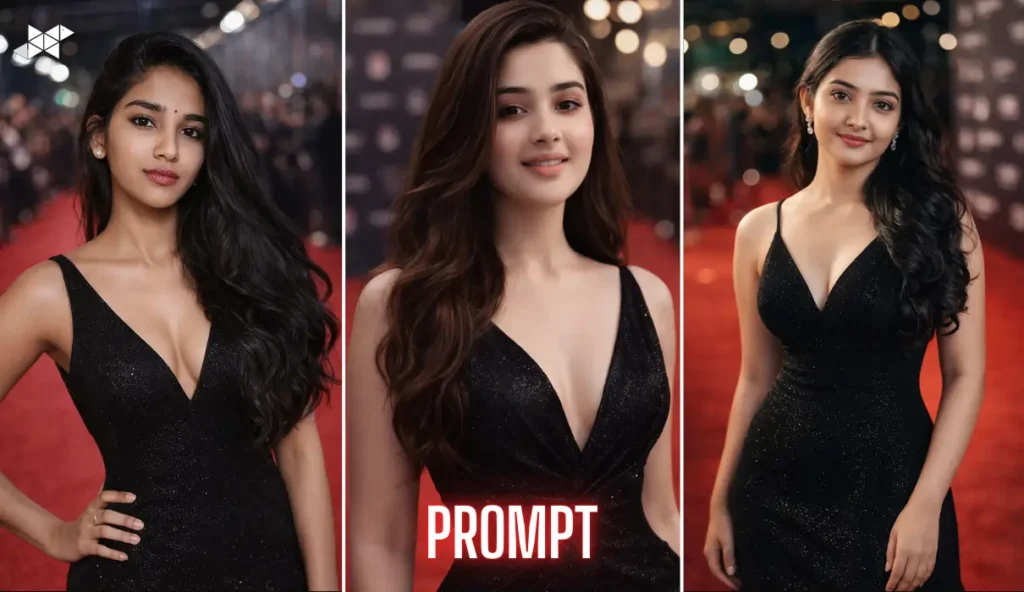
5) Prompt: Slightly Warm Tone (More Human, Still Official)
“Create a passport size photo with a clean white background and a slightly warm natural color tone. Subject is front-facing, head centered, neutral expression, mouth closed. Use soft even lighting that keeps the face bright but not overexposed. Keep skin texture real and avoid plastic smoothing. No beauty filter, no glam retouch, no sharp contouring. Outfit simple and plain. Ensure crisp focus on eyes and face edges. No cinematic effects, no background blur, no gradient wall.”
Best for: A natural, friendly look
Use case: LinkedIn profile + official forms
6) Prompt: Extra Sharp Official Crop (High Clarity)
“Generate an official passport size portrait with perfect framing: head and upper shoulders visible, centered alignment, equal space left and right, minimal empty space above head. Background must be pure white and fully clean. Use soft front lighting with no shadow on the wall. Keep the face highly detailed with sharp eyes, clean edges, and natural skin texture. No filters, no whitening, no makeup enhancement. Clothing simple and solid color. Output should look like a government-approved ID photo.”
Best for: Correct framing + clarity
Use case: Passport application, visa portals
7) Prompt: No Shadow Guarantee Prompt
“Create a passport size photo with a plain white background and absolutely no shadows behind the head or shoulders. Use flat, diffused studio lighting from the front to remove wall shadows and avoid dark areas under eyes. Subject is front-facing, neutral expression, mouth closed, eyes open. Keep realistic skin texture with natural pores and tone. No beauty filter, no smoothing, no cinematic style, no blur. Hair neat, outfit simple, no accessories. Make it look like a professional ID booth photo.”
Best for: Shadow problems in normal photos
Use case: Online document upload
8) Prompt: Minimal Retouch, Real Skin (Most Natural)
“Generate a passport size headshot with a clean light grey background and realistic skin detail. Keep the face natural with mild correction only: remove small noise but keep real texture. Lighting should be soft and even, no harsh shadows, no bright hotspots. Subject is centered, looking straight at camera, neutral expression. No makeup enhancement, no whitening, no beauty filters. Keep eyes sharp and natural. Outfit plain and formal. Final result must look like a real official photo, not edited.”
Best for: Realistic output without “AI face”
Use case: Profile photo + forms
9) Prompt: Crisp Hairline + Clean Edges
“Create a passport size portrait with a pure white background and clean hairline edges. Subject is front-facing, centered, neutral expression. Use soft even studio lighting so hair edges and jawline are clearly separated from the background. Keep skin tone natural with realistic texture, no smoothing, no whitening. Remove background noise, stray objects, and color casts. Outfit simple and solid color. No cinematic blur, no glow, no fashion style. Make it look like an official ID photo with sharp details.”
Best for: People with messy cutout edges
Use case: Passport photo, exam form
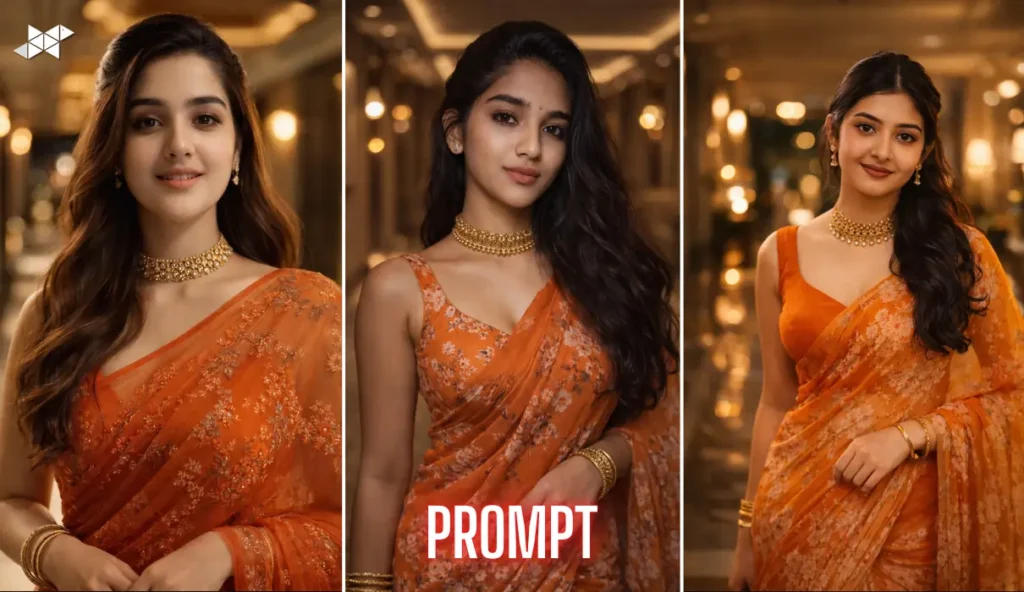
10) Prompt: Slightly Softer Face (Still Sharp Eyes)
“Generate a passport size photo with a plain white background. Lighting should be soft and flattering, reducing harsh shadows while keeping eyes sharp and clear. Keep skin natural with light smoothing only, not plastic or over-retouched. Subject must face camera straight with neutral expression and mouth closed. Keep colors natural, no heavy contrast, no cinematic grading. No accessories, no glasses, no hat. Outfit simple. Final image should look like a clean studio ID photo suitable for official documents.”
Best for: Softer look without losing clarity
Use case: WhatsApp DP + document upload
11) Prompt: Ultra Clean Background Removal Style
“Create an official passport size portrait with a fully clean white background as if professionally background-removed, but still realistic. No halo edges, no cutout artifacts, no grey patches. Subject centered, front-facing, neutral expression. Soft front lighting, even exposure, natural skin texture. No beauty filters, no whitening, no makeup enhancement. Hair neat, clothing plain. Sharp focus on eyes and face. No cinematic blur, no artistic effects. Output should look like a real studio photo.”
Best for: Perfect background cleanup
Use case: Any official upload
12) Prompt: Formal Shirt Look (Office-Friendly)
“Generate a passport size headshot with a clean light grey background. Subject wearing a simple formal shirt with neat collar, no patterns or logos. Face centered, front-facing, neutral expression. Lighting must be soft and even with no shadow behind head. Keep realistic skin texture and natural tone, no whitening, no smoothing, no glam retouch. Eyes sharp, hair tidy. No cinematic effects, no bokeh, no dramatic contrast. Final photo should look like an official professional ID image.”
Best for: Corporate + official
Use case: LinkedIn, job applications
13) Prompt: Slightly Brighter Face (For Dark Photos)
“Create a passport size portrait with a clean white background and slightly brighter exposure on the face while keeping natural skin tone. Use soft front lighting to remove under-eye shadows and improve clarity. Subject centered, looking directly at camera, neutral expression. Keep skin realistic with natural texture, no plastic smoothing, no whitening. No makeup enhancement. Outfit plain and formal. Ensure sharp eyes and clean edges. No cinematic color grading, no blur, no background texture.”
Best for: Fixing dull or dark selfies
Use case: Profile photo + form upload
14) Prompt: Neutral Expression + Natural Jawline
“Generate an official passport size photo with a plain white background. Subject facing camera straight with neutral expression, relaxed face, natural jawline and cheeks, no smile. Use soft even studio lighting, no shadow behind head, no harsh highlights. Keep skin tone realistic and texture natural, no beauty filter, no whitening, no contouring. Hair neat, outfit simple, no accessories. Sharp focus on eyes and facial details. Final image should look like a real government-style ID photo.”
Best for: Strict official requirements
Use case: Passport/visa applications
15) Prompt: Clean Crop for Mobile Uploads
“Create a passport size headshot optimized for mobile form uploads. Background must be clean white with no gradient. Subject centered, head and shoulders visible, correct crop with minimal empty space. Soft front lighting, balanced exposure, sharp eyes. Natural skin texture, no smoothing, no whitening, no beauty filter. Outfit plain. Remove any background noise or objects. No cinematic effects, no blur. Output should look like a clean official ID photo and remain clear even after compression.”
Best for: Websites that compress images
Use case: Government portals, online forms
16) Prompt: Slightly Cooler Tone (No Yellow Cast)
“Generate a passport size photo with a plain white background and neutral-cool color balance to remove yellow indoor lighting cast. Subject is front-facing, centered, neutral expression. Soft even studio lighting, no shadows behind head. Keep skin texture natural and realistic, no beauty filters, no whitening. Hair tidy, outfit simple. Ensure sharp focus on eyes and face edges. No cinematic grading, no glow, no blur. Make it look like a real studio passport photo.”
Best for: Photos taken under warm bulbs
Use case: Passport, visa, exam forms
17) Prompt: Smooth Background + Natural Face Contrast
“Create an official passport size headshot with a smooth light grey background that is completely uniform and clean. Keep natural face contrast so features look clear without heavy sharpening. Subject centered, looking straight at camera, neutral expression. Soft front lighting with even exposure and no wall shadows. Natural skin texture, no whitening, no beauty filter, no glam retouch. Outfit plain and formal. No cinematic effects, no bokeh, no blur. Output must look like a professional ID photo.”
Best for: Balanced, realistic results
Use case: Profile photo + official uploads
18) Prompt: High Detail, Low Drama (Most Safe)
“Generate a passport size portrait with a clean white background and a simple official look. No dramatic lighting, no artistic styling, no blur. Use soft even studio lighting to keep the face clear and natural. Subject front-facing, centered, neutral expression, mouth closed. Keep eyes sharp and skin realistic with natural texture. No beauty filter, no whitening, no makeup enhancement. Hair neat, outfit plain. Final image should look like a standard studio passport photo.”
Best for: “No risk” output
Use case: Any document photo
19) Prompt: Background + Shoulder Symmetry Fix
“Create a passport size headshot with a plain white background and correct symmetry. Subject must be centered with shoulders level, head straight, no tilt. Neutral expression, mouth closed, eyes open. Soft front lighting with no shadow on background. Natural skin texture and realistic tone, no smoothing, no whitening. Outfit simple and plain. Keep sharp focus on eyes and face edges. No cinematic effects, no bokeh, no blur. Make it look like an official ID photo.”
Best for: Fixing tilted selfies
Use case: Passport photo, profile photo
20) Prompt: Clean Minimal Look (Perfect for Quick DPs)
“Generate a clean passport size portrait with a plain off-white background and a simple professional look. Subject facing camera straight, centered, neutral expression. Lighting soft and even, no harsh shadows. Keep skin realistic with natural texture, no beauty filter, no whitening. Eyes sharp, hair neat, outfit plain. No cinematic style, no background blur, no dramatic contrast. Final photo should look clean, modern, and official while still natural for everyday use.”
Best for: Official + social-friendly
Use case: WhatsApp DP, Instagram profile, form upload
Clean passport-style photos don’t need a studio anymore.
Use these prompts to get a sharp, official-looking image with a proper plain background in minutes.



Leave a Reply